Subcategories

  • VMs, hosts, pools, networks and all other usual management tasks.

    487 Topics
    4k Posts
    tjkreidlT
    @carloum70 Are all your hosts properly time sychronized to NTP or chronyc? Check each host for offsets. They need to be really close in time with each other. And what HA heartbeat client setup are you using? As long as you have a quorum, HA should continue to work fine. WHen you get down to two hosts and one cannot communicate with the other is when things get critical (unless running HA-Lizard on a two-host pool).
  • ACLs, Self-service, Cloud-init, Load balancing...

    106 Topics
    869 Posts
    T
    @mpiton Thanks for looking into this, I guess it wasn't apparent that I needed to click the Save Configuration button for that plugin. I did that and confirmed that the secret now survives an xo-server restart. Thanks again!
  • All XO backup features: full and incremental, replication, mirrors...

    534 Topics
    6k Posts
    J
    Same thing here: Commit: a1dba XO5 transfers ~ 9-20GB XO6 transfers ~ 100-180GB [image: image.jpeg] [image: image.jpeg]
  • Everything related to Xen Orchestra's REST API

    88 Topics
    654 Posts
    poddingueP
    Pretty cool, @samuelolavo, thanks for clarifying!
  • Terraform, Packer or any tool to do IaC

    52 Topics
    488 Posts
    CyrilleC
    New release ! Cloud Controller Manager v1.2.0 https://github.com/vatesfr/xenorchestra-cloud-controller-manager/releases/tag/v1.2.0 Adds a new cloud-node-out-of-service controller that applies the node.kubernetes.io/out-of-service=nodeshutdown:NoExecute taint to the nodes whose Xen Orchestra VM is halted or has been deleted. More about this feature in the documentation or #90
  • Ubuntu 24.04 Cloud Image Template Not Working

    14
    0 Votes
    14 Posts
    8k Views
    D
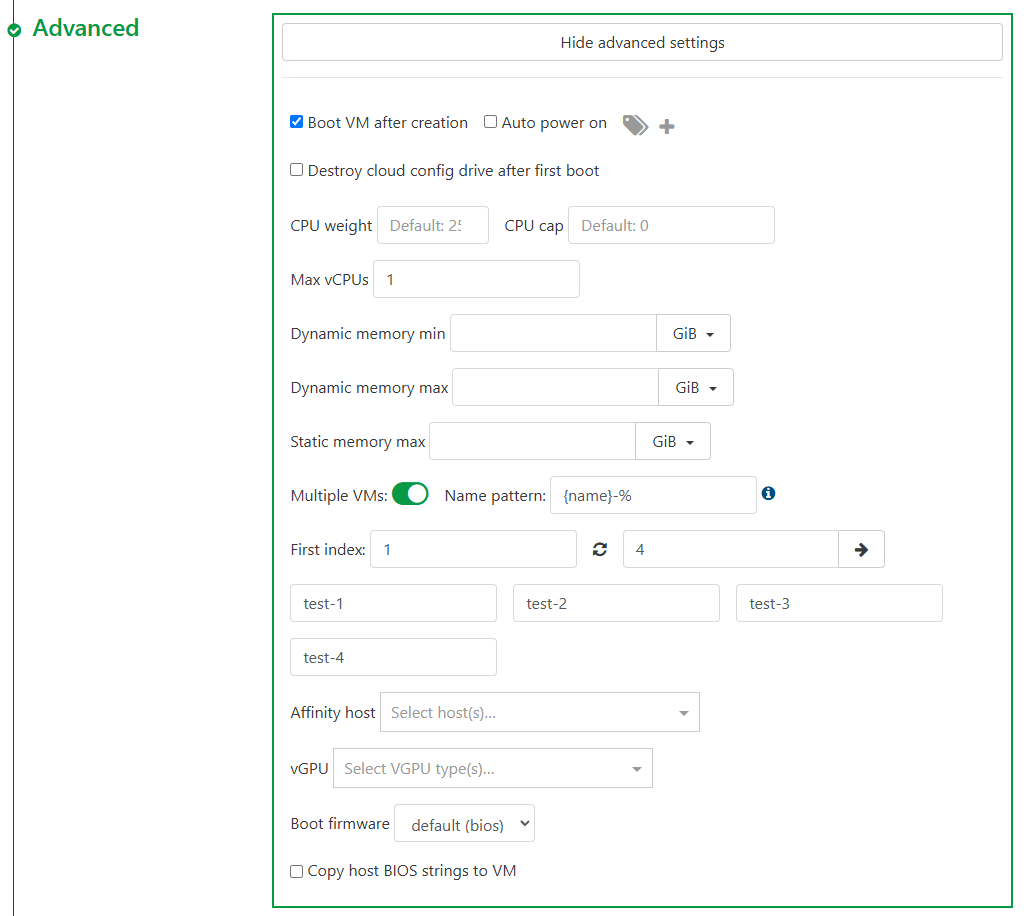
    @encryptblockr said in Ubuntu 24.04 Cloud Image Template Not Working: did you mount the guest tools cdrom to the cloud image before you created a template from it? No, I just make my base images (for the end template) as generic as possible, and I do all mounts, package installs, accounts, keys, including the xe-guest utils package all in the user-data config for cloud-init. Makes the configurations more uniform across all stacks I have to maintain and scales really well with jinja templates. also what is point of {name}% in below? can you explain? where does it get {name} from and what is % use? That pulls the hostname from metadata that is provided by the nocloud datasource. If you ever want to see all the metadata available (for example, say your provisioning plane does dynamic configuration from some backend IAS platform, and you need logic that renders metadata to run different configurations; run the following after login: cloud-init query -a For example, I run different configurations based on what the 'distro' value is - example: cloud-init query -f {{v1.distro}} {% if distro in ['rocky', 'ol', 'centos', 'fedora', 'redhat', 'almalinux'] -%} //do the rpm things// This allows us to run completely different configuration settings based on what distro its being run in, or even what virtualization platform it is running on. Some platforms won't use the hostname, or fqdn meta values, so I have some if logic that only adds it when vendordata is null, example; {% if vendordata == '' %} fqdn: {name} {% endif %} Probably more than you wanted to know, but that's a brief summary of cloud-init metadata.

  • [SOLVED] How to install guest tools via apt?

    Solved
    2
    2
    0 Votes
    2 Posts
    8k Views
    E
    so i imported a new VM and made sure i mounted the guest-tools iso to it before converting it to template i just tried this and it worked!!! #cloud-config hostname: someotheruser ssh_authorized_keys: - ssh-rsa AAAAxxx - ssh-rsa AAAAxxx - ssh-ed25519 AAAAxxx runcmd: - [mkdir, -p, /mnt/guest-tools] - [mount, /dev/cdrom, /mnt/guest-tools] - [bash, /mnt/guest-tools/Linux/install.sh] - [umount, /dev/cdrom] - [rm, -rf, /mnt/guest-tools]
  • Can backups be "imported"?

    4
    0 Votes
    4 Posts
    1k Views
    J
    @olivierlambert Based on what you mentioned about losing everything and rebuilding, if you reconnect to the NFS share, will you be able to see the VMs listed below, or would additional steps be required to recover them? Thanks! [image: a2bede49-af10-45e8-9014-7c70143688cf-image.png]
  • pool cpu usage vs host cpu usage

    2
    3
    0 Votes
    2 Posts
    304 Views
    J
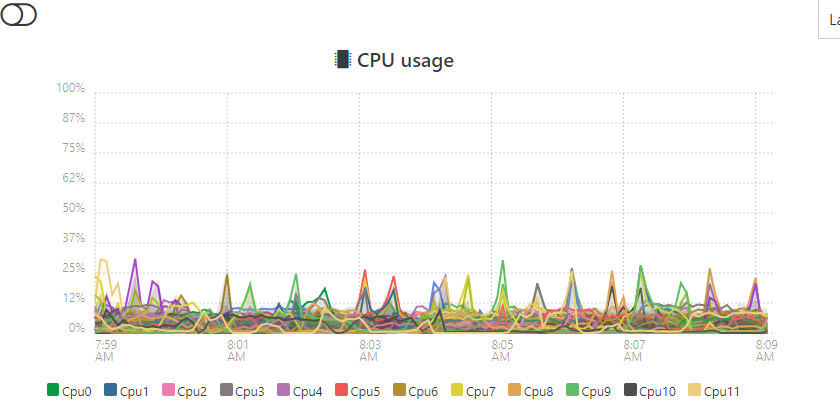
    figured it out... When under "Pool" view its displaying the "stacked" value and not the average value.
  • SR NFS Creation Error 13

    Solved
    19
    5
    0 Votes
    19 Posts
    5k Views
    T
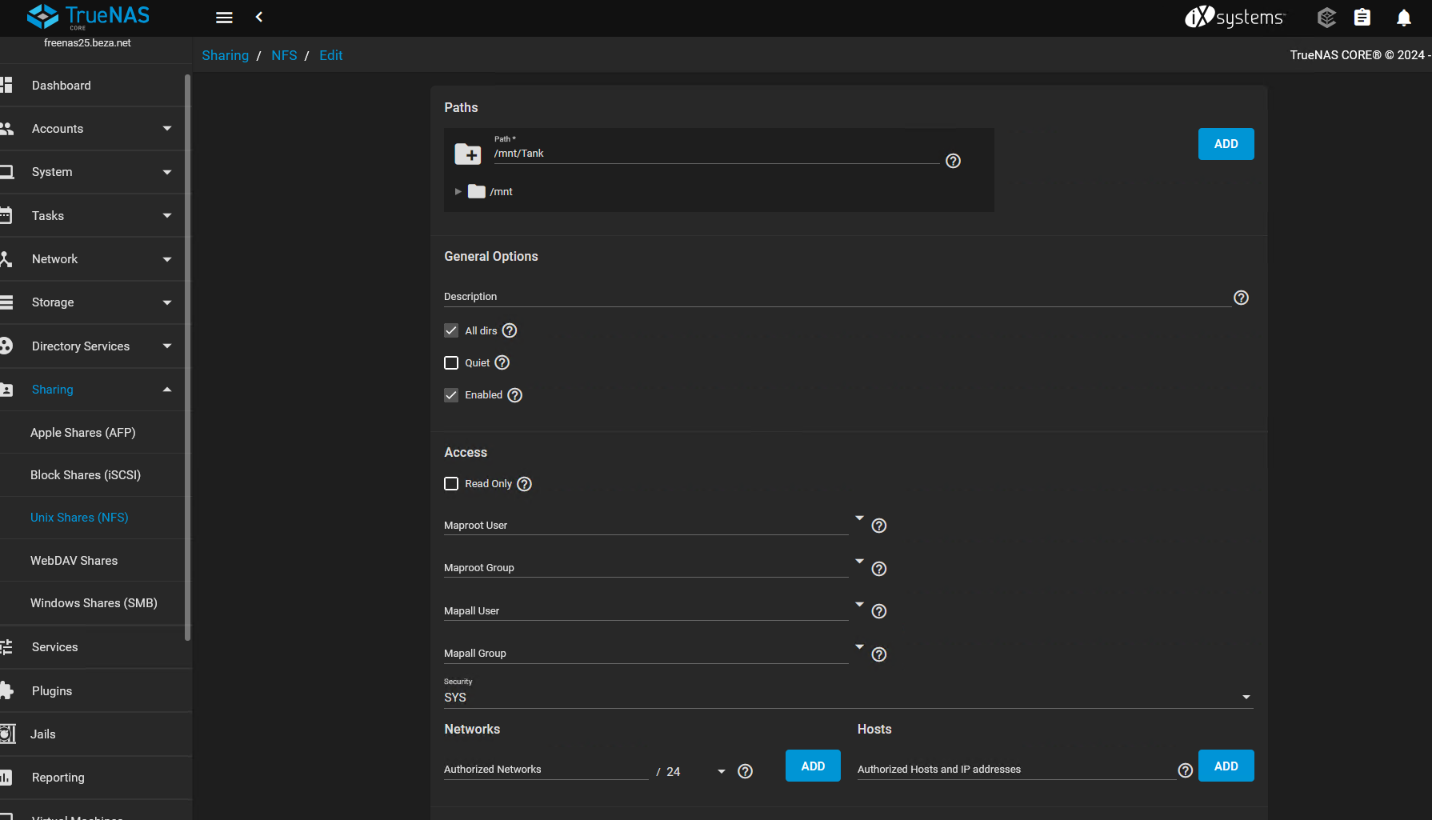
    I ran into this problem with a fresh install of XCP-ng and TrueNAS last night. The fix is on TrueNAS, NFS Advanced Options, set the maproot user to 'root' and maproot group to 'wheel'. By default the fields are empty.
  • Remote not working

    1
    0 Votes
    1 Posts
    290 Views
    No one has replied
  • XOA Quick Deploy

    29
    1
    0 Votes
    29 Posts
    19k Views
    M
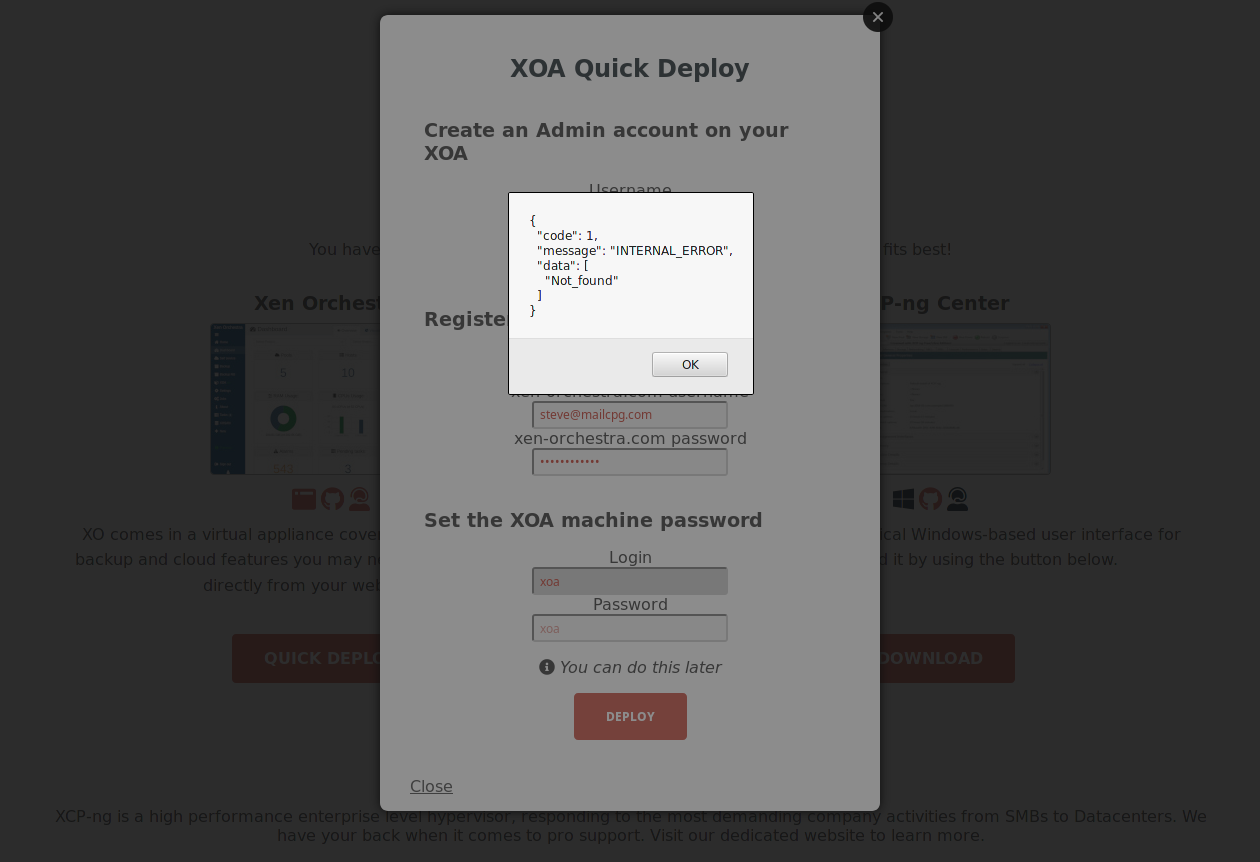
    I know this is quite old but wanted to update with additional findings. I had the same error and it turns out you are using a non-standard port. In this case, tcp/8888 which I have blocked on my perimeter firewall.
  • No plugins visible on XOA [SOLVED]

    Solved
    3
    1
    0 Votes
    3 Posts
    594 Views
    T
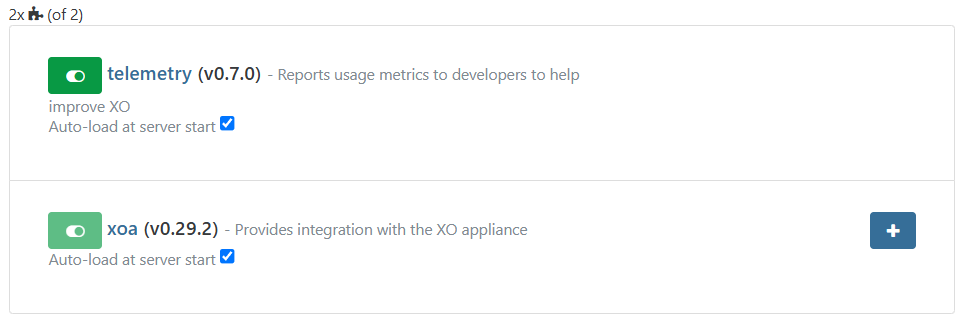
    That must explain one or two things Thx
  • Some VMs Booting to EFI Shell in Air-gapped XOA Instance

    7
    0 Votes
    7 Posts
    1k Views
    ?
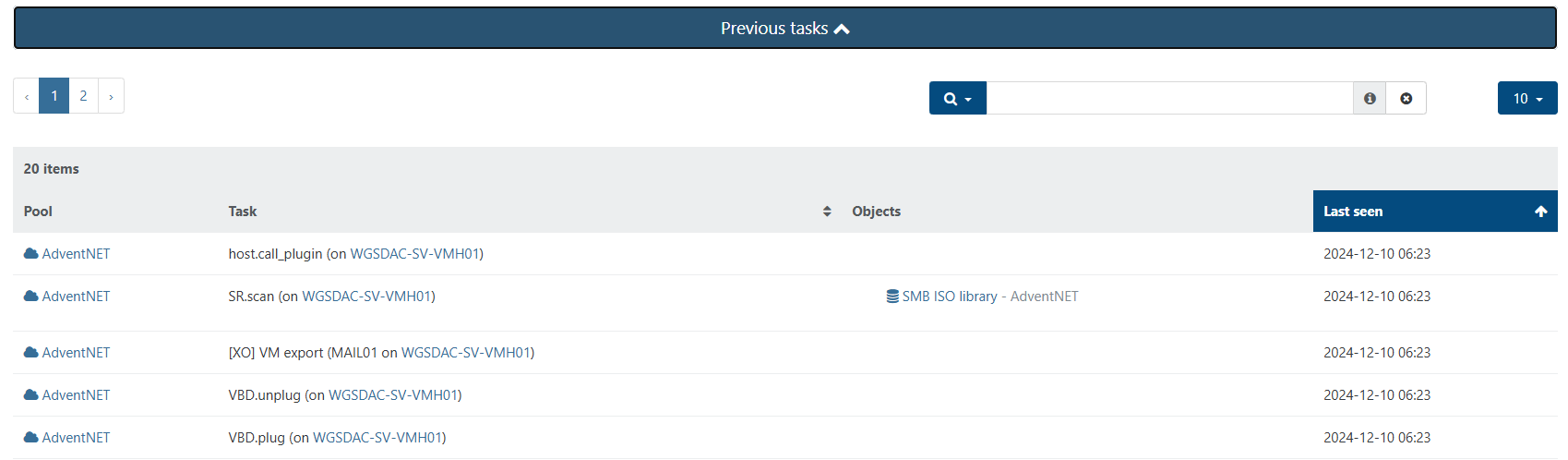
    Good-day Folks, While troubleshooting this issue with my sales rep, I shared a screenshot of one of my VMs and he noted that it was odd that the boot disk was connected as device xvdb instead of xvda. So he asked me to go through and check if the VMs that were having problems booting, looked similar. I went through and confirmed that all the VMs that were failing to boot did not have an “xvda” device. I went through the Storage menu and found a few disks that did not have a name or description, which was quite odd (to say the least). I mounted each disk, one at a time, to one of the VMs and booted until I identified and renamed each of them. As it stands now, I’ve been able to get all the VMs back up and running again. However, that leaves some unanswered questions: How does taking a snapshot of a the MAIL01 VM (which was built with two disks – Disk1 for OS and Disk2 for Data), cause the VM to have its xvda device detached, and snowball that to other VMs? How is it that VDIs that I name myself during VM creation, all of a sudden become detached from their VMs and lose their name and description? How does a VM Template lose its disk? Because I was able to identify the disk that’s supposed to be attached to the template, but now it’s orphaned, and I don’t know how to re-attach it to the template. In any case, I’m glad this happened in this lab environment, so I'm willing to work with you all at Vates to see if we can do a root cause analysis to prevent this in the future. All I did was take a snapshot, and this is certainly not the experience I should have had (nor is what I'm used to seeing). Some screenshots to illustrate what I saw: [image: Screenshot_NetXMS01_No_VDI.png] [image: Screenshot_NetXMS01_No_VDI_2.png]
  • new smb remote fails

    4
    0 Votes
    4 Posts
    980 Views
    G
    @gonzametal I modified sudoers and could create the folder in the terminar but the error still there (I think because the syscall). I will install as root again to avoid this kind of issues in the future
  • VDI migration

    8
    0 Votes
    8 Posts
    3k Views
    DanpD
    @sb2014 I've encountered this particular issue once before, and these were the steps we used to correct it -- Shutdown the VM Export the snapshot's VDI from the SR's DIsks tab using XVA file format Forget the snapshot Import the XVA file created in the earlier step Attach the newly imported disk to the target VM Start the VM to verify that it boots correctly Regards, Dan
  • Changing the VM Advanced setting "Viridian" doesn't stick

    2
    0 Votes
    2 Posts
    762 Views
    DanpD
    I confirm this behavior. Checking with the dev team to see if this is by design.
  • Active directory authentication

    12
    0 Votes
    12 Posts
    3k Views
    G
    @dinhngtu LDP is using SSL, and no firewall between, so I think there be a ldaps misconfiguration
  • Deleting a VM template?

    Solved
    3
    0 Votes
    3 Posts
    823 Views
    W
    @Danp Thanks. My fault, I didn't notice the 2nd page of templates where it was.
  • This topic is deleted!

    1
    0 Votes
    1 Posts
    1 Views
    No one has replied
  • xo-server-auth-saml

    2
    0 Votes
    2 Posts
    488 Views
    olivierlambertO
    Hi, You should use the UI to config the plugin, but I suppose you are asking to pass extra parameters that aren't displayed/existing?
  • Change the network device for remotes throws "mount.nfs: Connection timed out"

    Solved
    5
    0 Votes
    5 Posts
    1k Views
    R
    @olivierlambert Oh my... I totally forgot to change the network interface on XO after the change. That was my mistake. Sorry. But thanks a million for pointing it out.
  • Tag management for Storage not able to choose from existing tags

    3
    1
    0 Votes
    3 Posts
    525 Views
    MathieuRAM
    Hi Indeed. We will see how we can fix this bug. Thanks
  • Intermediate cert xen orchestra

    Solved
    4
    0 Votes
    4 Posts
    1k Views
    A
    I bundled the cert and it is working as expected now. Thanks!
  • Sum of actuall provisioned SR space compared to used space

    2
    0 Votes
    2 Posts
    368 Views
    ForzaF
    I haven't seen it in XOA, but in XCP-ng Center, this information is available: [image: f7ec1a2b-1d23-4258-93e4-a29f5ba00a48-image.png]