My apologies @Danp , I had misunderstood the comments on the other commands in that KB article.
Good news, things are working, but it didn't seem like they would be.
xoa run npm i -g --unsafe-perm https://xen-orchestra.com/xoa-updater.tgz Seemed to work. I was then able to run systemctl restart xoa-updater and xoa-updater --upgrade.
After the upgrade command, this is the feedback:
xoa:xoa$ xoa-updater --upgrade
stable channel selected
Downloading packages...
xen-orchestra 5.95.2 . ok ✔
xo-server-telemetry 0.5.0 ...................................... ok ✔
xen-orchestra-web 0.0.3 ................................................... ok ✔
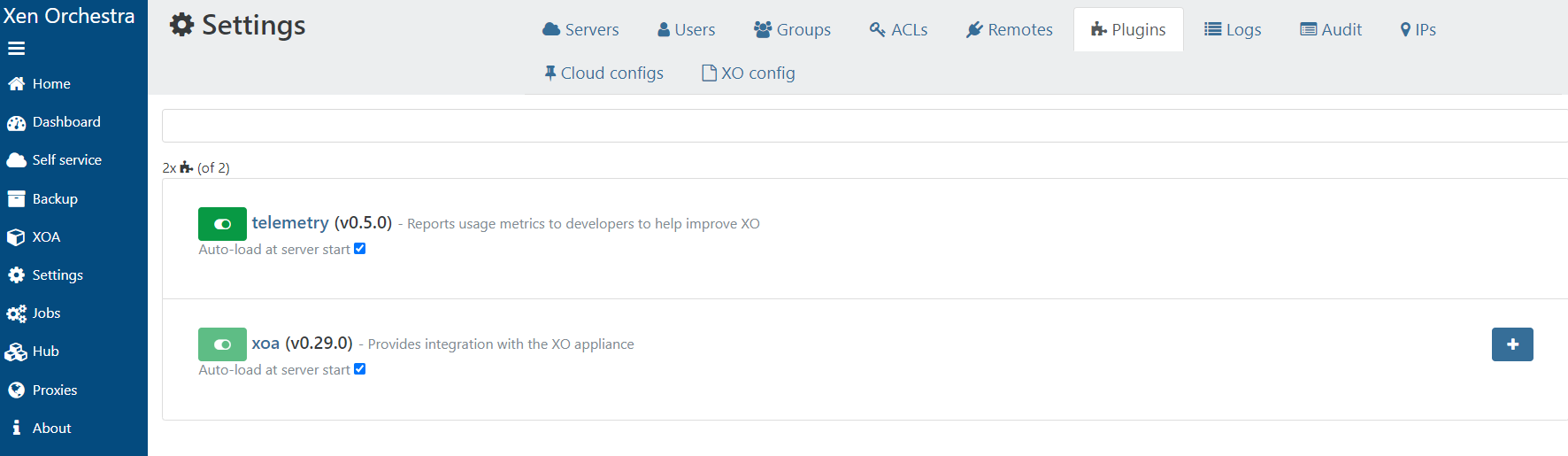
xo-server-xoa 0.29.0 .................................................................................................................. ok ✔
xo-web-free 5.147.0 ................................................................................................................................................................................................................................................................................................................................................................................................................................. ok ✔
xoa-cli 0.38.2 ...................................................................................................................................................................................................................... ok ✔
xen-orchestra-upload-ova 0.1.6 ........................................................................................................................................................................................................................................................................................................................................................................................................................................................................................................................................................................................................................................................................................................................................................................................................................................................................................................................................................................................................................................................................................................................................................................................................................................................................................................................................................................................................................................................................................................................................................................................................................................................................................................................................................................................................................................................................................................................................................................................................................................................................................................................................................................................................................................................................................................................................................................................................................................................................................................................................................................................................................................................................................................................................................................................................................................................................................................................................................................................................................................................................................................................................................................................................................................................................................................................................................................................................................................................................................................................................................................................................................................................................................................................................................................................................................................................................................................................................................................................................................................................................................................................................................................................................................................................................................................................................................................................................................................................................................................................................................................................................................................................................................................................................................................................................................................................................................................................................................................................................................................................................................................................................................................................................................................................................................................................................................................................................................................................................................................................................................................................................................................................................................................................................ ok ✔
xo-server 5.145.0 ......................................................................................................................................................................................................................................................................................................................................................................................................................................................................................................................................................................................................................................................................................................................................................................................................................................................................................................................................................................................................................................................................................................................................................................................................................................................................................................................................................................................................................................................................................................................................................................................................................................................................................................................................................................................................................................................................... ok ✔
Following packages will be removed:
xoa-updater 0.50.0
Removing packages...
Saving current updater version in /usr/local/lib/node_modules/xoa-updater-previous ...ok ✔
xoa-updater ✔
New versions available:
node 18.20.2 (18.19.1 installed)
npm 10.5.0 (10.2.4 installed)
Downloading packages...
node 18.20.2 ...... ok ✔
npm 10.5.0 .................................................................................................................................................................. ok ✔
Installing packages...
Upgrading Node/npm failed, re-installing old packages Command failed with exit code 1: npm i -g --unsafe-perm --quiet /tmp/xoa-updater/node-18.20.2.tgz
npm ERR! code 1
npm ERR! path /usr/local/lib/node_modules/node
npm ERR! command failed
npm ERR! command sh -c ./installer
npm ERR! installing : node-v18.20.2
npm ERR! curl: (28) Failed to connect to nodejs.org port 443 after 261014 ms: Couldn't connect to server
npm ERR!
npm ERR! Error: download preflight failed for '18.20.2' (https://nodejs.org/dist/v18.20.2/node-v18.20.2-linux-x64.tar.xz)
npm ERR! A complete log of this run can be found in: /tmp/.npm/_logs/2024-09-01T16_42_27_685Z-debug-0.log
New packages available:
xoa-updater 0.50.0
Downloading packages...
Installing packages...
xoa-updater ✔
xoa-updater ✔
✖ {
message: 'Command failed with exit code 1: npm i -g --unsafe-perm --quiet /tmp/xoa-updater/node-18.20.2.tgz\n' +
'npm ERR! code 1\n' +
'npm ERR! path /usr/local/lib/node_modules/node\n' +
'npm ERR! command failed\n' +
'npm ERR! command sh -c ./installer\n' +
'npm ERR! installing : node-v18.20.2\n' +
"npm ERR! curl: (28) Failed to connect to nodejs.org port 443 after 261014 ms: Couldn't connect to server\n" +
'npm ERR! \n' +
"npm ERR! Error: download preflight failed for '18.20.2' (https://nodejs.org/dist/v18.20.2/node-v18.20.2-linux-x64.tar.xz)\n" +
'\n' +
'npm ERR! A complete log of this run can be found in: /tmp/.npm/_logs/2024-09-01T16_42_27_685Z-debug-0.log'
}
At this point I thought there was a failure - but then I was able to run systemctl restart xo-server.service and access both the current web UI and the v6 UI.
I'm interested in trying the newer v6 features, so I just changed from the stable channel to latest using the web UI and ran upgrade - but it gave me an error:
9/1/2024, 1:02:48 PM: New versions available:
9/1/2024, 1:02:48 PM: xoa-updater 0.50.1 (0.50.0 installed)
9/1/2024, 1:02:48 PM: Downloading packages...
9/1/2024, 1:02:49 PM: xoa-updater 0.50.1 ....................................................................................................................................................................................... ok ✔
9/1/2024, 1:02:49 PM: Installing packages...
9/1/2024, 1:03:02 PM: Saving current updater version in /usr/local/lib/node_modules/xoa-updater-previous ...ok ✔
9/1/2024, 1:03:03 PM: xoa-updater ✔
9/1/2024, 1:03:14 PM: xoa-updater ✔
9/1/2024, 1:03:14 PM: Lost connection with xoa-updater
9/1/2024, 1:03:14 PM: xoa-updater could not be reached
Using ssh I went back to the command line and ran xoa-updater --upgrade again and this time it is proceeding forward.
And now it all works! Very weird. I think I'm in good shape now.