Subcategories

  • VMs, hosts, pools, networks and all other usual management tasks.

    427 Topics
    3k Posts
    P
    @stormi I really appreciate the continued help. I'm not sure it works. On my single-host pool master—the one I want to join into my half-upgraded pool—I run the command: xe host-emergency-disable-tls-verification It returns with no errors. If I do xe host-param-list and look through the parameters for my host, I see: tls-verification-enabled ( RO): false This is the only thing I see documented that can turn off TLS verification. If some other command like pool-uninstall-ca-certificate would have the effect of disabling TLS verification, I can't see that documented anywhere. In fact, even though xe pool-uninstall-ca-certificate appears to be a valid command that my xe binary knows about, I can't find that particular command documented at all. Even after the emergency-disable-tls-verification, if I attempt to join that host to the half-upgraded pool (using xe pool-join...) I get: Error code: POOL_JOINING_HOST_TLS_VERIFICATION_MISMATCH It seems like even though the host has TLS verification off, the fact that its pool has verification enabled is blocking the action.
  • ACLs, Self-service, Cloud-init, Load balancing...

    97 Topics
    818 Posts
    olivierlambertO
    October release fixed it
  • All XO backup features: full and incremental, replication, mirrors...

    437 Topics
    4k Posts
    olivierlambertO
    Feel free to create a trial on an XOA, test stable and latest and tell us. It might be also related to your environment, but if it works at some commit and not later, it's weird. @florent & @bastien-nollet maybe?
  • Everything related to Xen Orchestra's REST API

    74 Topics
    567 Posts
    olivierlambertO
    But giving your feedback on how you solved it might help many people in the future Thanks!
  • Terraform, Packer or any tool to do IaC

    45 Topics
    424 Posts
    olivierlambertO
    The roadmap depends a lot on the feedback we have on it More demand/popular, faster we'll implement stuff
  • [SOLVED] Migrate XO from sources to another machine

    Solved
    3
    0 Votes
    3 Posts
    564 Views
    xiscoX
    @danp hi I did it but, no network shares have been imported and neither backup jobs. will try to reboot machine Well Rebooting did the job, thanks @Danp
  • XOA Hub

    xoa
    7
    0 Votes
    7 Posts
    2k Views
    olivierlambertO
    Can you give some details? How do you imagine to work with that? Because it might be done via RunX at some point I think
  • s3 backups with minio using https and various CAs

    5
    1
    0 Votes
    5 Posts
    1k Views
    nraynaudN
    @sidsanders Hi, I gave a look at your issue, it seems that it is often associated with the ssl certificate missing the middle of the Merkle chain. here are a couple of explanations: https://serverfault.com/questions/693033/unable-to-use-builtin-ca-bundle-to-verify-godaddy-sha2-ssl-certificate https://www.npmjs.com/package/ssl-root-cas I suspect that the certificate you gave to minio was incomplete. Note that the chain of certificate should not include the root certificate, only all the certificates in the chain minus the root. Nico.
  • Disaster Recovery Backups - Remove 'Auto-Start' field?

    8
    0 Votes
    8 Posts
    1k Views
    T
    I do not get this problem on XCP-ng 8.1, just to add more information.
  • Import problem which Mikrotik Cloud Hosted Router

    10
    0 Votes
    10 Posts
    3k Views
    nraynaudN
    I think the issue is solved, you can follow the fix here: https://github.com/vatesfr/xen-orchestra/pull/5903 nraynaud opened this pull request in vatesfr/xen-orchestra closed fix(xo-server/{disk,vm}.import): fix import of very small VMDK files #5903
  • xoa setup static ip

    11
    0 Votes
    11 Posts
    17k Views
    kdmK
    @tony Yes, that's the setting I was talking about. OKay. I've no idea what VIF-locking is, so I'll leave it there! Thanks again.
  • Ubuntu 20.04 Cloud Image

    14
    0 Votes
    14 Posts
    4k Views
    T
    @encryptblockr Why don't you just download the official cloud image from ubuntu? It's not worth the headache lol. https://cloud-images.ubuntu.com/releases/focal/release/ubuntu-20.04-server-cloudimg-amd64.ova
  • Override migration network for Metadata backup when pool default is set

    1
    0 Votes
    1 Posts
    390 Views
    No one has replied
  • CANNOT_EVACUATE_HOST VM_REQUIRES_SR

    7
    0 Votes
    7 Posts
    3k Views
    olivierlambertO
    More or less yeah, but you are adding more moving pieces.
  • cloud-init disk not created when cloning a cloud-init ready template

    7
    0 Votes
    7 Posts
    601 Views
    olivierlambertO
    Oh okay, so it's not a NAT issue then (thought XOA and the host were not together). Might be this issue then, please comment in the GH issue you posted to report you have the same problem edit: with your log too!
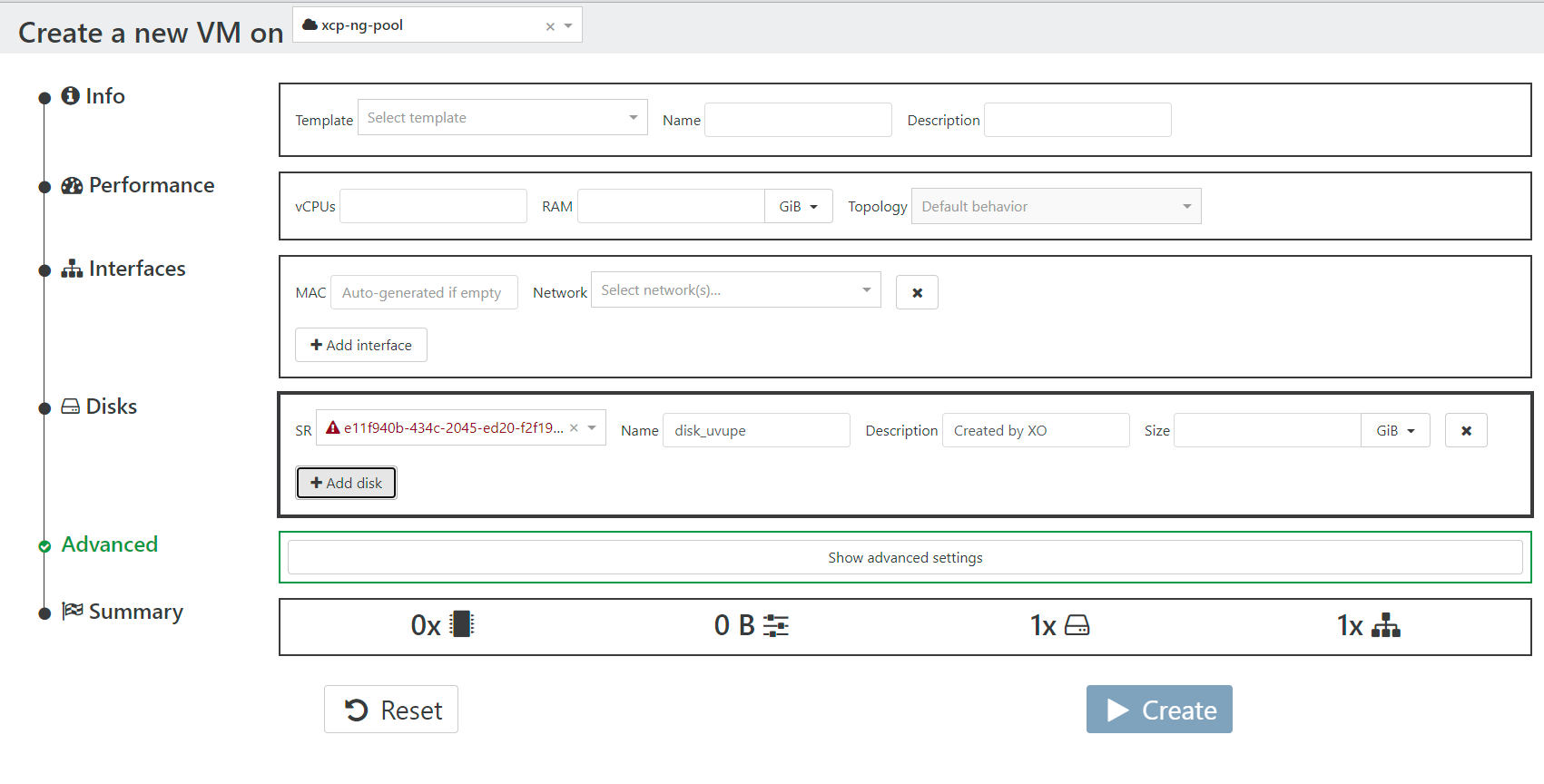
  • Created cloud config, but can't select it when creating a new VM.

    36
    3
    0 Votes
    36 Posts
    16k Views
    fohdeeshaF
    @dr4s1l-0 @Dr4s1l-0 you will not see the config drive mounted in your system, cloud-init only mounts it temporarily very early on in the boot process, copies the found config files off of it, and unmounts it. Mounting it manually will just cause more issues. You can probably see it being mounted early on in the logs in /var/log/cloud-init.log Cloud-init has introduced a ton of bugs this year and has no documentation regarding them, it has been a nightmare to try and track down these issues - I have a support customer with the same issue on recent versions of ubuntu and I've gotten nowhere. At this point I think it's best to take it up with the upstream project, cloud-init - from the XOA/XCP perspective we're doing everything we can, resulting in presenting a properly configured config drive - any issue after that is the cloud-init package
  • Talk to xo-server with PHP?

    5
    0 Votes
    5 Posts
    1k Views
    olivierlambertO
    See also https://xcp-ng.org/forum/topic/4538/xoa-json-rpc-call-basic-exemple
  • NO_HOSTS_AVAILABLE vs Not Enough memory Available

    Solved
    6
    0 Votes
    6 Posts
    2k Views
    olivierlambertO
    Short answer: yes.
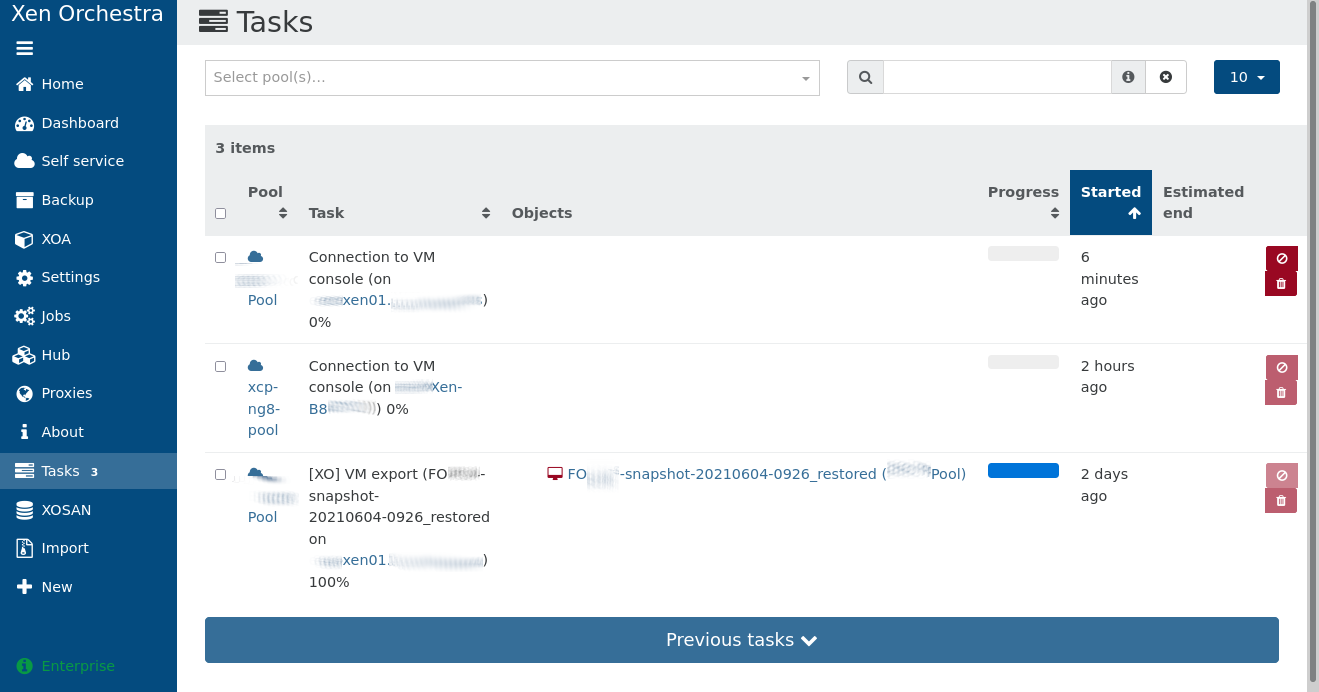
  • Thousands of tasks Xapi#getResource /rrd_updates (on xcp-ng-01) 0%

    Solved community
    9
    1
    0 Votes
    9 Posts
    3k Views
    M
    @olivierlambert Thanks. As always you guys are great. Thanks for this opensource project! Tasks have cleared up.
  • Feature request: Show cron job summary for all backups

    feature in backlog
    6
    1
    0 Votes
    6 Posts
    1k Views
    julien-fJ
    @marcungeschikts Yes, it's the third point of the GitHub issue
  • xoa-updater service appears to be down

    10
    0 Votes
    10 Posts
    2k Views
    kdmK
    Cancel that. CTRL-F5 fixed it! Thanks again.
  • VM Hangs at 86% when starting

    4
    0 Votes
    4 Posts
    1k Views
    DanpD
    @jp13232 That wasn't what I asked. You mentioned Xenserver, so I wanted to know what version.
  • Backup NG

    4
    0 Votes
    4 Posts
    1k Views
    M
    @darkbeldin Thanks it was his channel & what great info he provides! It was a 2018 "VM Backups, Disaster Recovery and Continuous Replication with Xen Orchestra Backup NG" Thanks very much Darkbeldin
  • 0 Votes
    7 Posts
    2k Views
    planedropP
    @olivierlambert Sounds good, thank you!
  • Some VMs are shutting down autmatically

    6
    0 Votes
    6 Posts
    1k Views
    ronivayR
    What does the memory min/max settings look like in the advanced tab of those VM's? You could try to set the dynamic min/max to same values. Could very well be that your guest OS doesn't handle it properly when host is trying to dynamically adjust the available VM memory. Although this shouldn't happen (afaik) if there's plenty of memory available on the host, but worth a try at least.