Subcategories

  • VMs, hosts, pools, networks and all other usual management tasks.

    427 Topics
    3k Posts
    P
    In case anyone wonders how this played out. At the end of the day, I shutdown the host with the running workloads on it, kept it at BIOS boot so the 8.3 installer would upgrade it cleanly, and then booted it back up. For reasons related to my particular setup, the down time was more than 60 minutes. But that's not related to XCP-ng. The XCP-ng installer was maybe 10 of that. 20 of that was 3 reboots on a server that takes ages to boot. One thing that is a bit difficult is that the 8.3 installer doesn't notice ZFS volumes or help with ZFS. So after the upgrade, I have to follow a modified set of these instructions (modified because the package names have changed over time) to install ZFS and its components into the system. So the sequence is: Shutdown Install via ISO Reboot to single user mode Run yum update to pull in all the updates Run the ZFS commands to install ZFS on the host Reboot again Run normally Of course, I ended up rebooting more than just those 2 times, because I forgot that I would need to install ZFS (even though I did it on 2 different hosts already ) So now the pool is fully upgraded, everybody is happy. I'm now working on creating shared storage across the nodes. It's amateur hour over here. I appreciate all the help.

  • ACLs, Self-service, Cloud-init, Load balancing...

    97 Topics
    818 Posts
    olivierlambertO
    October release fixed it
  • All XO backup features: full and incremental, replication, mirrors...

    438 Topics
    4k Posts
    florentF
    @Pilow I will take a look in deep later, but the key/delta and disk usage is set during backup, even if they are merged during LTR retention
  • Everything related to Xen Orchestra's REST API

    74 Topics
    567 Posts
    olivierlambertO
    But giving your feedback on how you solved it might help many people in the future Thanks!
  • Terraform, Packer or any tool to do IaC

    45 Topics
    426 Posts
    P
    @MajorP93 Thanks for your feedback. I'll look into it over the christmas hollidays
  • Recover a local drive used for a SR

    1
    0 Votes
    1 Posts
    1k Views
    No one has replied
  • Ubuntu Jammy Jellyfish 22.04.2 LTS Super Slow Console

    Solved
    4
    0 Votes
    4 Posts
    2k Views
    planedropP
    @Andrew This was the answer, thank you! I had it set with 8MiB of video memory which was fine with an older install but 22.04 needs more it looks like. Bumped that up to 16 MiB and it's super smooth now. Thanks for your help! @olivierlambert increasing the video memory was the solution. But to answer your question this was in BIOS mode rather than UEFI.
  • Increasing the disk size of vmguest without shuting down

    10
    0 Votes
    10 Posts
    4k Views
    olivierlambertO
    @MathieuRA Indeed, that's the right way to do it, I think
  • [Guide] Recovering from CR with error - no space for coalesce

    4
    7
    0 Votes
    4 Posts
    774 Views
    olivierlambertO
    Hopefully, we'll make things more obvious in terms of "danger zone" in XO 6 UI
  • XO Backup - question on file level restore

    backup file-level lvm
    12
    1
    0 Votes
    12 Posts
    2k Views
    S
    I have opened a ticket to support because file level restore doesn't work anymore after latest update. Best regards Walter
  • Change Email Address for XO Report

    2
    0 Votes
    2 Posts
    496 Views
    DanpD
    Look under the configuration for the backup-reports plugin, which can be found under Settings > Plugins.
  • Existing AD Users Cannot Login to XOCE but New Users Can

    18
    0 Votes
    18 Posts
    2k Views
    K
    @julien-f Hmm, that's a bit disappointing that there isn't much you guys can do to help. No worries, I'll keep testing. My AD environment works fine, since the accounts in question are not locked and are being used daily. The only place they're failing is in XOCE or XOA. It's gotta be something with how the library is handling characters in either the username or the password. I'll keep testing until I can find a repeatable pattern. Thanks to both you and @olivierlambert for the help thus far.
  • how configure aws s3 bucket for xen orchestra remote s3 beta

    9
    0 Votes
    9 Posts
    2k Views
    ontzuevanhussenO
    @kamal8641 AWS S3 remote on xen orchestra works fine in my tests.
  • Can't copy or move VM from host with xen 6.5 to host xcp-ng 8.2

    13
    0 Votes
    13 Posts
    2k Views
    L
    thanks for all advices just moved all services to new vm, that makes topic is closed. for last try i updated xen 6.5 to 7.4 but problem remains
  • How to grant permission to User/ACL to download snapshots of VMs

    3
    0 Votes
    3 Posts
    483 Views
    L
    @olivierlambert Hahaha you got it! Thank you
  • Ubuntu 22 Cloud Init/Config Network & Partition Assistance

    11
    0 Votes
    11 Posts
    12k Views
    L
    Hi there Gsrfan Apologies for the delayed response, I had to shelf this passion project to focus on other work So far managed to get the host, static IP, packages, users & their keys/password etc sorted with the init I was working last on lvm partitions, to grow them and that ended up a bit of a mess I might return to this at a later stage but I found your help and advice invaluable to getting the config to where it is now Thank you so much
  • file restore on large backups ends in print_req_error: I/O error's

    8
    0 Votes
    8 Posts
    1k Views
    T
    @olivierlambert said in file restore on large backups ends in print_req_error: I/O error's: Yes, that sounds the next step to do Something is wrong during the mount phase. Also check you have enough RAM in your XOA. Ok, filesystem checks out - as far as I can see having: Done full restore of VM from the same Delta image. Booted VM, logged in and done 'tar cvf /dev/null *' of the filesystem I'm trying to restore from - which ran to completion without error. I upped the RAM for XOA from default 2GiB to 16GiB and re-tried - and same result. I can try yet more RAM if needs be but would hope 16GiB is more than enough? The console error on XOA is more detailed than my install- so don't know if this helps: blk_update_request: I/O error, dev loop0, sector 8912912 op 0x00:(READ) flags 0x80700 phys_seg 1 prio class 0 Looks to be the same issue, just reported differently. You also (on both systems) get kernel chatter about "tasked blocked" (understandable, as it is).
  • Can't restore VM's from 'read-only' remote?

    3
    0 Votes
    3 Posts
    482 Views
    T
    @olivierlambert said in Can't restore VM's from 'read-only' remote?: A remote (now Backup repository) is meant to write backups into it. If you aren't able to write, then, sure, you can restore but you won't be able to backup anything. Yes, understand that - I'll have to re-test here, but I'm sure when it was 'read-only' - I couldn't restore anything from it, as nothing showed up in XO's "Backup / Restore' list of backups... The remote was mounted on two systems - hence why made R/O for one of them (this was just for testing restores).
  • Shutting down "Protect from accidental shutdown" VMs from command line

    2
    0 Votes
    2 Posts
    2k Views
    B
    @Zevgeny Did you succeed to remove the protection with "xe vm-param-clear"? It didn't worked perfectly for me. Before I use xe vm-param-clear, I have the following: [18:28 xcpng02 ~]# xe vm-param-list uuid=37b7a201-eb45-b7de-5ce4-da25b1c7b547 | grep block blocked-operations (MRW): pause: true; hard_shutdown: true; (unknown operation): true; hard_reboot: true; clean_shutdown: true; suspend: true; clean_reboot: true [18:28 xcpng02 ~]# Now I try to clean: [18:28 xcpng02 ~]# xe vm-param-clear uuid=37b7a201-eb45-b7de-5ce4-da25b1c7b547 param-name=blocked-operations The value given is invalid field: blocked_operation value: (unknown operation) [18:28 xcpng02 ~]# After, "blocked-operations" looks like this: [18:28 xcpng02 ~]# xe vm-param-list uuid=37b7a201-eb45-b7de-5ce4-da25b1c7b547 | grep block blocked-operations (MRW): (unknown operation): true; hard_reboot: true; clean_shutdown: true; suspend: true; clean_reboot: true [18:30 xcpng02 ~]# In the GUI of XOA, the "Protect from accidental shutdown" is removed but not on the command line.
  • 0 Votes
    4 Posts
    536 Views
    B
    I think this is important. When the issue appears the replicated VM that auto-starts has the [IMPORTING] prefix as in the image below. [image: 1689001402269-130e1c45-ad28-4b6c-a4d7-202b552ab723-image.png]
  • XOCE Warning on build

    2
    0 Votes
    2 Posts
    279 Views
    olivierlambertO
    Question for you @florent
  • Constant refreshing of interface

    15
    1
    0 Votes
    15 Posts
    2k Views
    A
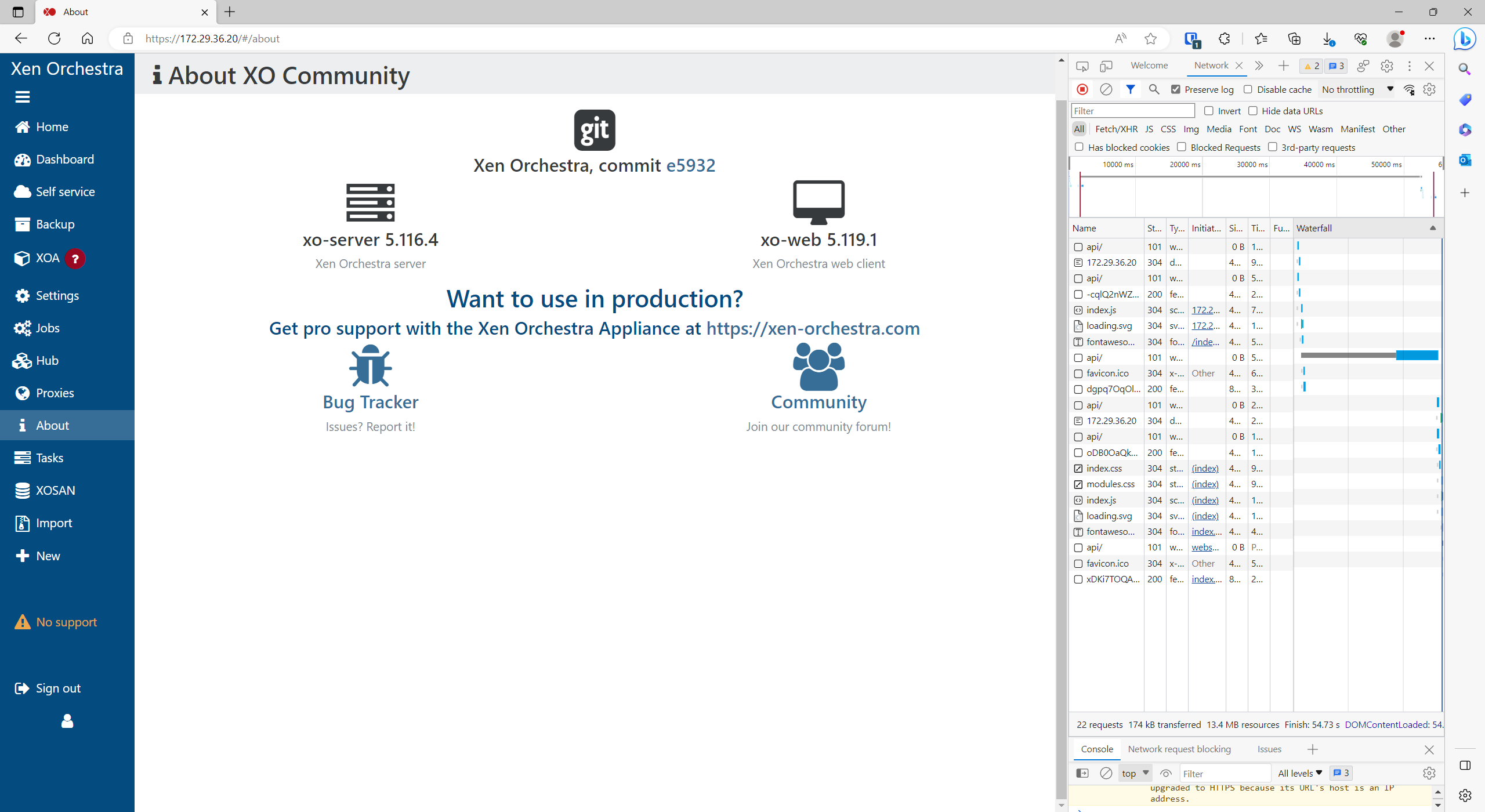
    @pdonias Hi, On Master, as of yesterday, I see this only when I am logged in using an IP address on the URL instead of the hostname. Either way it is SSL with trusted certificate. There are no console errors Browser is Microsoft Edge on Windows No difference in behaviour between incognito mode and normal. Yes I see all the VMs There is an improvement - now if I am creating a new VM only the selected network is reverting back to default when it refreshes, the other things like number of cores and ram is remaining when I set it, whereas previously these also were wiped back to default every 20 seconds or so. Thanks Alex
  • VDI_IO_ERROR(Device I/O errors) when you run scheduled backup

    66
    0 Votes
    66 Posts
    29k Views
    R
    @rauly94 Hello everyone. Anyone can help me on this issue. Now it started happening on 2 vm's instead of 1 vm. It is happening on the backup replication. Error: VDI_IO_ERROR(Device I/O errors)This is a XenServer/XCP-ng error Start: Jul 5, 2023, 09:03:18 AM End: Jul 5, 2023, 09:44:46 AM Duration: 41 minutes Error: VDI_IO_ERROR(Device I/O errors)This is a XenServer/XCP-ng error Start: Jul 5, 2023, 09:03:09 AM End: Jul 5, 2023, 09:45:12 AM Duration: 42 minutes Error: VDI_IO_ERROR(Device I/O errors)This is a XenServer/XCP-ng error Type: delta
  • Deleting all existing Backups

    4
    0 Votes
    4 Posts
    1k Views
    planedropP
    Yeah for doing a fresh start it's easiest to just nuke the backup directory you were using and start over, have done it before and it's quick and easy vs trying to manually remove them all within XOA.
  • Deleting orphaned backups

    4
    0 Votes
    4 Posts
    380 Views
    DanpD
    Not that I am aware of.