Subcategories

  • All Xen related stuff

    625 Topics
    6k Posts
    poddingueP
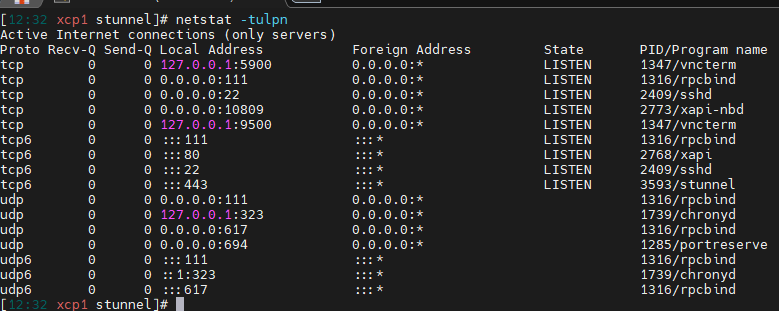
    On one machine in my lab, /etc/rsyslog.d/xenserver.conf defines 17 outchannels, every one of them at 104857600 bytes, and /var/log/messages isn't one of them; it's written by the stock *.info;mail.none;authpriv.none;cron.none line in /etc/rsyslog.conf and rotated by /etc/logrotate.d/syslog, so nightly and with no size trigger. The docs at https://docs.xcp-ng.org/guides/logs#rsyslog describe the 100 MiB rule but don't list which files it actually covers, which is probably why this is hard to work out without reading the config the way you did. Whether messages can realistically outrun a nightly rotation I don't know, and I'd be guessing if I said either way; the one thing in your favour is that /var/log is its own filesystem, 3.9 GB on the box I looked at (small lab machine, I haven't searched in the code, so I don't know where that size is decided), so it can't take the rest of dom0 with it. Whether that omission is deliberate or just inherited (or even something fancier) is really a question for whoever owns that file, so it might be worth a mention to @Team-OS-Platform-Release.
  • The integrated web UI to manage XCP-ng

    29 Topics
    367 Posts
    olivierlambertO
    The same as @john.c and also XO Lite tends to be less a priority because less critical than the full fledged XO (the priority is to replace entirely XO 5 in the next releases). Why you would need XO Lite outside basic actions? It's mostly meant to bootstrap XO itself and do basic operations (which is already the case, at least with many basic features already). Initially, the goal hasn't moved: replacing XenCenter. We are moving in that direction, but again, I think it's more important to get XO 6 finished first. I'm curious to understand more the use case of XO Lite in your context @unreal-shizzle ?
  • Section dedicated to migrations from VMWare, HyperV, Proxmox etc. to XCP-ng

    129 Topics
    1k Posts
    poddingueP
    Thanks, keep us posted!
  • Hardware related section

    176 Topics
    2k Posts
    No new posts.
  • The place to discuss new additions into XCP-ng

    255 Topics
    3k Posts
    dicode-nlD
    New version: https://github.com/dicode-nl/xcp-ng-ceph-rbd/releases/tag/v20260903 This one includes native Ceph rbd SXM over SMAPIv3! GitHub updated with the latest commits and changes. As always, use with caution. I did run a lot of test scenario's but please do test yourself and let me know your findings!
  • This topic is deleted!

    1
    0 Votes
    1 Posts
    1 Views
    No one has replied
  • Run a script inside guest OS from host

    22
    0 Votes
    22 Posts
    11k Views
    V
    Get Wendell to talk more about xcp-ng
  • Update strategy for a consistent XCP-ng pool

    8
    0 Votes
    8 Posts
    3k Views
    olivierlambertO
    Thanks, and also thank you for your feedback, it's important to understand the pain points to improve our product Keep us posted!
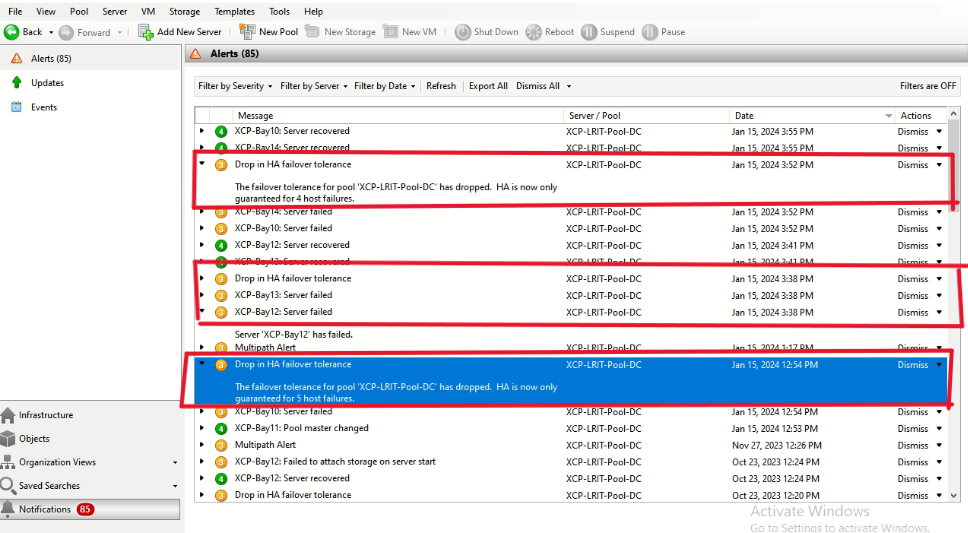
  • XCP : Server Failed

    7
    1
    0 Votes
    7 Posts
    2k Views
    olivierlambertO
    As a general rule, you MUST keep all your hosts up to date. If you update normally, you will be on a 8.2.1
  • VM Graceful shutdown using apc network shutdown

    6
    0 Votes
    6 Posts
    2k Views
    S
    @olivierlambert Ihave been tryign to get graceful power off to work with my nas whcih is Truenas by the way but i havent gotten it to work yet oddly i cant seem to get them talking yet
  • 0 Votes
    10 Posts
    2k Views
    D
    @Danp said in Patching and trying to Pool Hosts after they've been in production: Warm migration should work in this case because the VM is halted then restarted as part of the process. See here for more details. Sweet, I'll setup something small on the old host for testing and use the Warm Migration process.
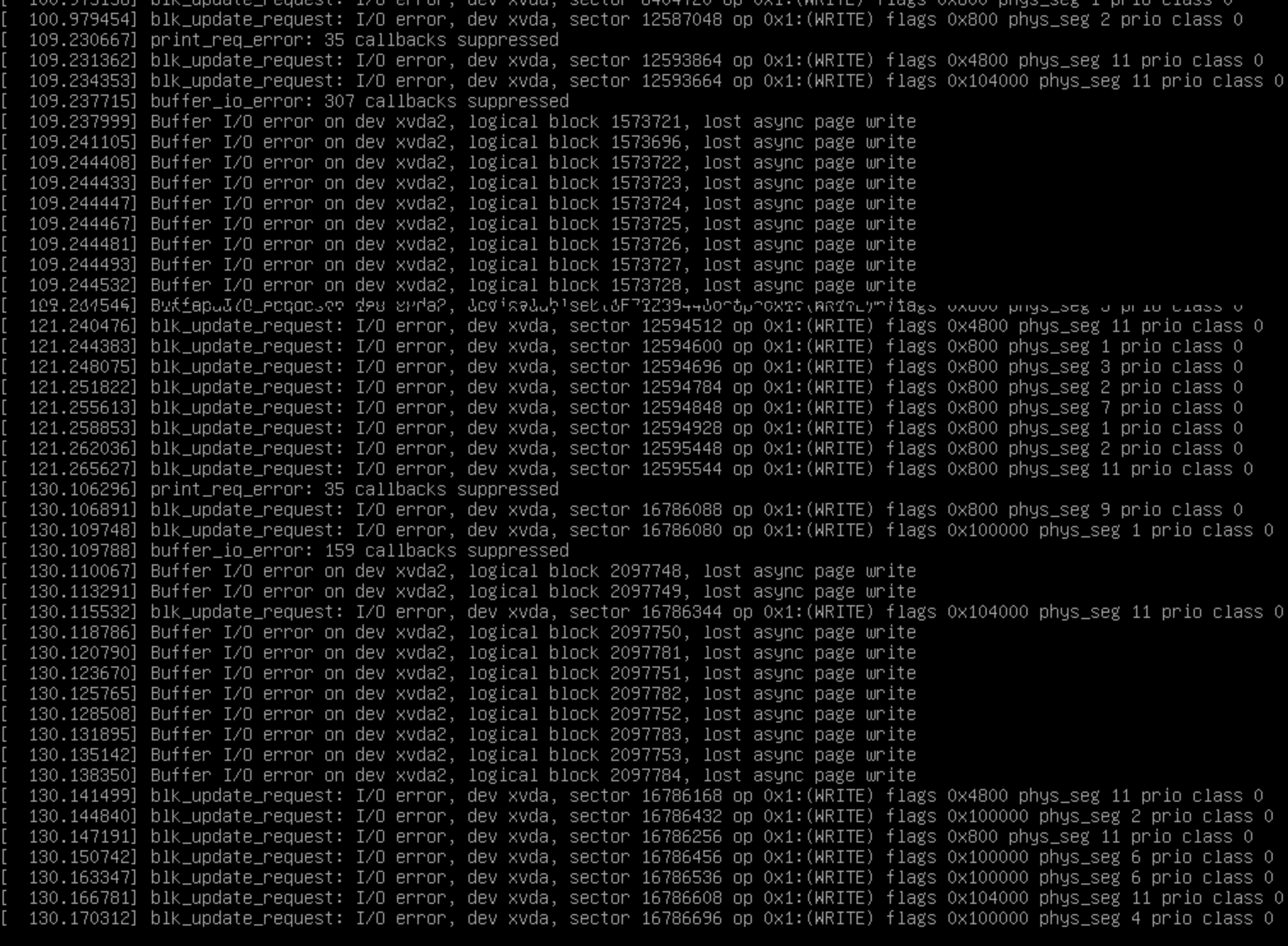
  • Can not recover /dev/xvda2

    4
    1
    0 Votes
    4 Posts
    2k Views
    olivierlambertO
    There's no issue to restore everything from scratch, as long as your backup repo (BR/remote) is available. For example, fresh XCP-ng install, deploy XO, connect to the BR and it will find all your previous backups. Then restore, that's it!
  • Largest Stack?

    10
    0 Votes
    10 Posts
    2k Views
    D
    Now we have 76 VMs running on a 3 host pool. Each server has 320 GB of RAM. Our scenario doesn't need big CPU resources so everything works fine.
  • This topic is deleted!

    1
    0 Votes
    1 Posts
    2 Views
    No one has replied
  • 0 Votes
    11 Posts
    3k Views
    RAG67958472R
    anyone has any other ideas ?? I seem to be lost at what to do.
  • VM Templates does choosing correct one matter?

    4
    0 Votes
    4 Posts
    2k Views
    planedropP
    @wilsonqanda Yes, BIOS as well, assuming I am remembering right haha. If you just pick whatever is closest and go with it I doubt you'll run into issues, if you do just make a post here and I'm sure someone will be willing to help out or work on a new template or something.
  • 1 Votes
    6 Posts
    2k Views
    A
    @wilsonqanda Downgrading the EKD2 package fix it for now, as posted: yum downgrade edk2-20180522git4b8552d-1.5.1.xcpng8.3
  • Add kernel boot params for dom0

    4
    0 Votes
    4 Posts
    3k Views
    stormiS
    The grub setup is rather simple and not very flexible. There's just one file to modify, as you found out (/etc/grub.cfg in BIOS mode, /etc/grub-efi.cfg in EFI mode, both being symbolic links to the actual file location). You can add an entry to it, but there's a small chance this doesn't play well with scripts from either XenServer or ourselves which may want to update the file and get confused. It's usually better to just modify the existing entries, ideally using /opt/xensource/libexec/xen-cmdline, so that the file structure remains unchanged.
  • Menu Migrate to server missing

    Moved
    4
    0 Votes
    4 Posts
    988 Views
    olivierlambertO
    Ah that makes sense then
  • Migration woes - SR_BACKEND_FAILURE_78

    13
    0 Votes
    13 Posts
    3k Views
    olivierlambertO
    You need a fully up to date XO (check that first). If you are on XOA Free, you might need a trial (send me a private chat message with your email registered to this XOA, so I can unlock you the free trial). Alternatively, you can also use XO from the sources
  • 0 Votes
    7 Posts
    2k Views
    J
    Just updating for anyone that has the same issue, we ended up just rebooting the master and like @JamuelStarkey said everything just automatically fell in place. Did have to exit maintenance mode on the master and replug the PBD but everything else went back to normal immediately. Still frustrating to experience and would really love to know what caused this. If there's any logs I can pull to figure this out do let me know @olivierlambert
  • This topic is deleted!

    1
    0 Votes
    1 Posts
    2 Views
    No one has replied
  • XCP-ng Center 20.04.01 - console no "remote desktop RDP" on Windows 11 VM

    Solved
    15
    0 Votes
    15 Posts
    5k Views
    olivierlambertO
    Perfect!
  • Multiple PCI-E passthrough problem

    3
    0 Votes
    3 Posts
    877 Views
    kasn_codeK
    So I managed to get the VM to see both drives. In dmesg I can see something like this [ 1.160149] ahci 0000:00:08.0: AHCI 0001.0301 32 slots 1 ports 6 Gbps 0x20 impl SATA mode [ 1.161043] ahci 0000:00:08.0: flags: 64bit ncq sntf ilck led clo only pmp fbs pio slum part [ 1.187888] ahci 0000:00:09.0: SSS flag set, parallel bus scan disabled [ 2.186211] ahci 0000:00:09.0: controller reset failed (0xffffffff) [ 2.187307] ahci: probe of 0000:00:09.0 failed with error -5 So I removed the pci and did a rescan with root@mars-test-uefi:~# echo "1" > /sys/bus/pci/devices/0000\:00\:09.0/remove root@mars-test-uefi:~# echo "1" > /sys/bus/pci/rescan Now when I checked dmesg it shows up properly [ 795.538214] ahci 0000:00:09.0: AHCI 0001.0301 32 slots 1 ports 6 Gbps 0x4 impl SATA mode [ 795.538219] ahci 0000:00:09.0: flags: 64bit ncq sntf ilck led clo only pmp fbs pio slum part fdisk -l also shows up both drives now too root@mars-test-uefi:~# fdisk -l Disk /dev/sda: 7.28 TiB, 8001563222016 bytes, 15628053168 sectors Disk model: ST8000DM004-2U91 Units: sectors of 1 * 512 = 512 bytes Sector size (logical/physical): 512 bytes / 4096 bytes I/O size (minimum/optimal): 4096 bytes / 4096 bytes Disk /dev/sdb: 7.28 TiB, 8001563222016 bytes, 15628053168 sectors Disk model: WDC WD80EFZZ-68B Units: sectors of 1 * 512 = 512 bytes Sector size (logical/physical): 512 bytes / 4096 bytes I/O size (minimum/optimal): 4096 bytes / 4096 bytes It seems like on boot it tries to find the device but it fails to, but on a remove/rescan it seems like its fine? The question now becomes, how do I make this work ON boot.
  • This topic is deleted!

    1
    0 Votes
    1 Posts
    2 Views
    No one has replied