• CBT: the thread to centralize your feedback

    Pinned
    455
    1 Votes
    455 Posts
    654k Views
    olivierlambertO
    Okay, I thought the autoscan was only for like 10 minutes or so, but hey I'm not deep down in the stack anymore
  • Feedback on immutability

    Pinned
    56
    2 Votes
    56 Posts
    20k Views
    olivierlambertO
    Sadly, Backblaze is often having issues on S3 (timeout, not reliable etc). We are updating our doc to give a "tiering" support.
  • XOA 6.1.3 Replication fails with "VTPM_MAX_AMOUNT_REACHED(1)"

    7
    0 Votes
    7 Posts
    109 Views
    F
    @florent I can confirm that this fixes the issue!
  • Restore only showing 1 VM

    17
    1
    0 Votes
    17 Posts
    179 Views
    P
    On 28c5e I today had it switched from all to none 2 times. Then it stayed at showing none The remote seemed to be OK I updated to 372a2 and at the moment it's showing all Time will tell
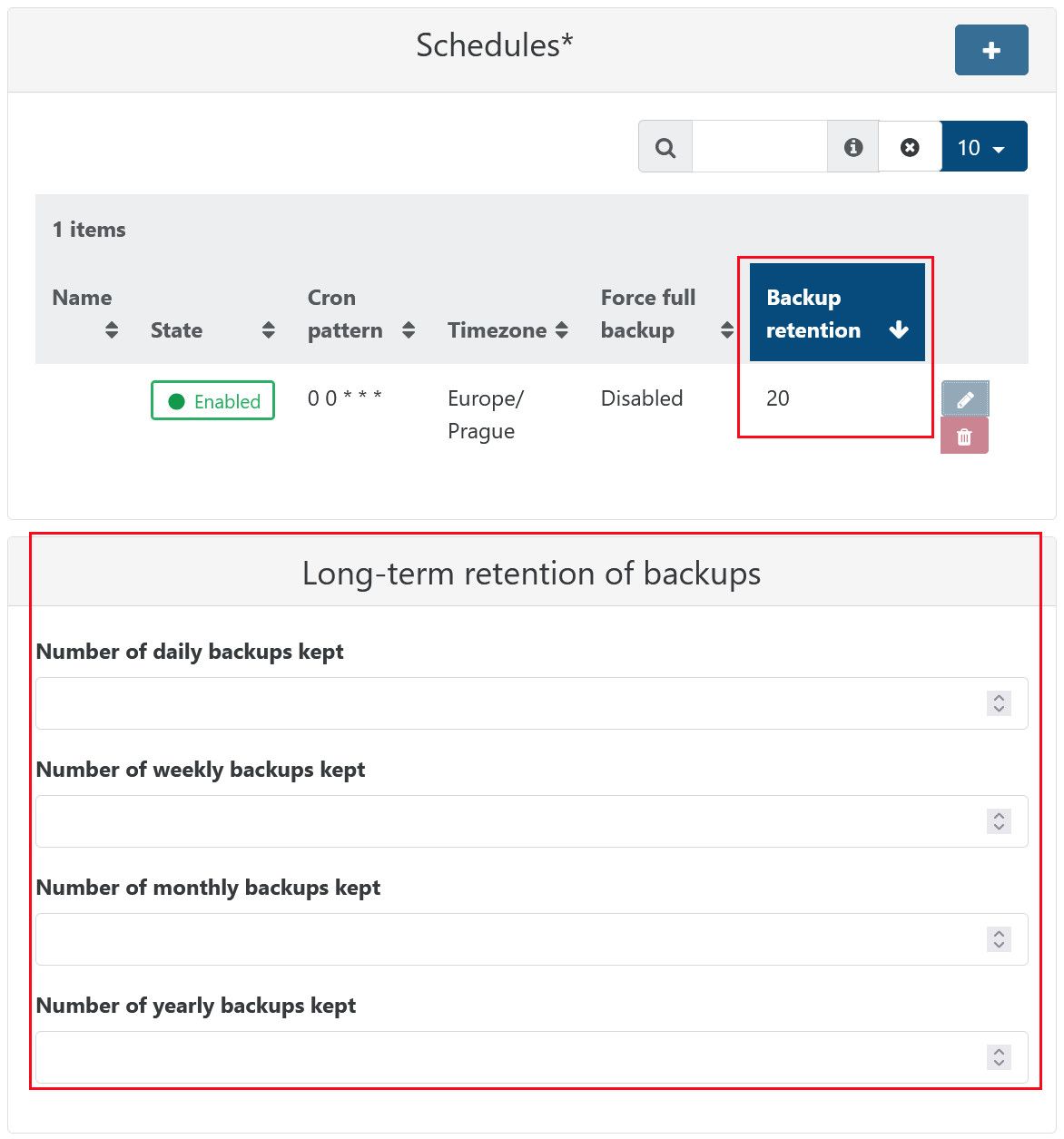
  • Backup retention policy and key backup interval

    6
    3
    0 Votes
    6 Posts
    87 Views
    Bastien NolletB
    @Pilow The backups kept by LTR are just regular backups with a specific tag, which doesn't change how we treat them. If you want to avoid each of your LTR backup to depend on one another, we recommend to set a full backup interval value to your backup job, which will regularly force a full backup. (even without LTR, having an infinite chain of backups can cause problem in the long term, especially if no healthchecks are made)
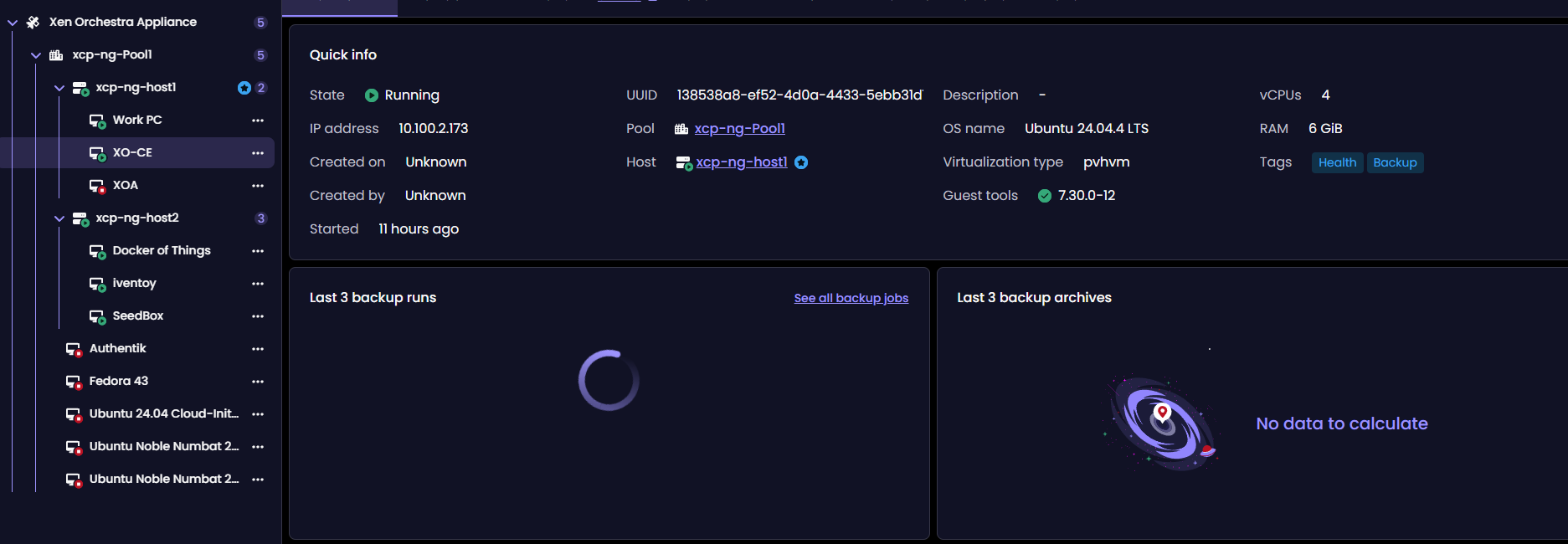
  • Backup Info under VM tab in v6 never loads...

    65
    2
    0 Votes
    65 Posts
    716 Views
    P
    @MathieuRA said: Hi, regarding your backups which do not appear on the XO5 restore page, I suggest you to open a new topic Forgot to include the link to the new topic https://xcp-ng.org/forum/topic/12040/restore-only-showing-1-vm
  • Distibuted backups doesn't clean up the deltas in the BRs

    11
    8
    0 Votes
    11 Posts
    101 Views
    P
    @Pilow said: @ph7 try to put RETENTION to 1 in the schedule, as you are using LTR parameters I was running the shedule with 20 mins backup retention and it is running fine together with the LTR And here is the manual I ran at 14:56 removed [image: 1775140196713-screenshot-2026-04-02-at-16-28-13-backup.png]
  • 1 Votes
    13 Posts
    172 Views
    P
    @Pilow perfect!
  • Timestamp lost in Continuous Replication

    27
    2
    0 Votes
    27 Posts
    790 Views
    florentF
    @joeymorin said: I observed similar behaviour. Two pools. Pool A composed of two hosts. Pool B is single-host. B runs a VM with XO from source. Two VMs on host A1 (on local SR), one VM on host B1 A2 (on local SR). Host A2 has a second local SR (separate physical disc) used as the target for a CR job. CR job would back up all four VMs to the second local SR on host A2. The behaviour observed was that, although the VM on B would be backed up (as expected) as a single VM with multiple snapshots (up to the 'replication retention'), the three other VMs on the same pool as the target SR would see a new full VM created for each run of the CR job. That rather quickly filled up the target SR. I noticed the situation was corrected by a commit on or about the same date reported by @ph7. Incidentally, whatever broke this, and subsequently corrected it, appears to have corrected another issue I reported here. I never got a satisfactory answer regarding that question. Questions were raised about the stability of my test environment, even though I could easily reproduce it with a completely fresh install. Thanks for the work! edit: Correction B1 A2 sometimes it's hard to find a n complete explanation without connecting to the hosts and xo, and going through a lot of logs , which is out of the scope of community support I am glad the continuous improvement of the code base fixed the issue . We will release today a new patch, because migrating from 6.2.2 to 6.3 for a full replication ( source user that updated to the intermediate version are not affected )

  • Every VM in a CR backup job creates an "Unhealthy VDI"

    20
    1
    0 Votes
    20 Posts
    1k Views
    J
    This issue appears to have been resolved by a recent change.
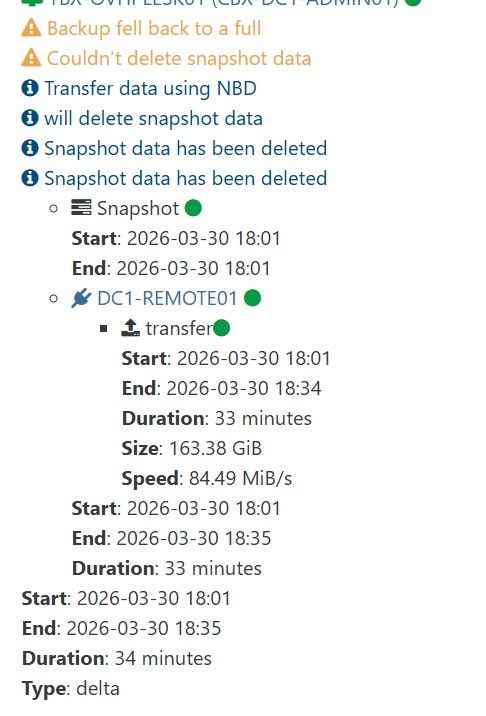
  • fell back to full and cannot delete snapshot

    1
    1
    0 Votes
    1 Posts
    29 Views
    No one has replied
  • Backing up from Replica triggers full backup

    14
    6
    1 Votes
    14 Posts
    305 Views
    florentF
    @Pilow open a dedicated topic on this . I will ping the relevant team there is it iscsi + CBT ?
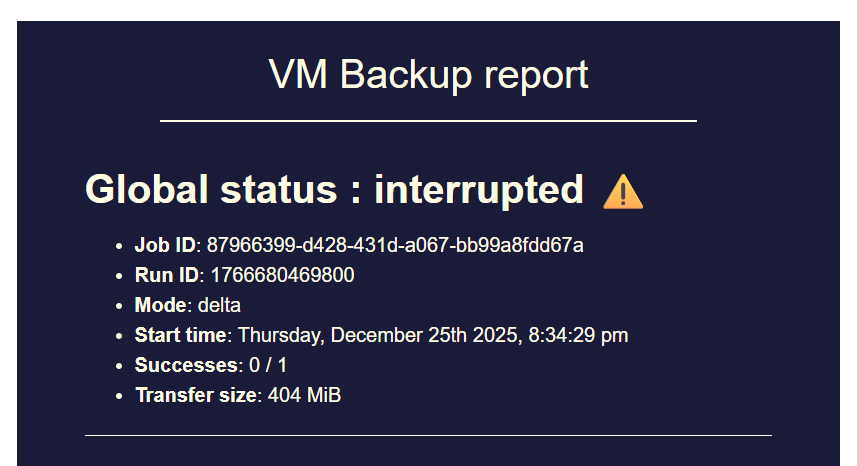
  • backup mail report says INTERRUPTED but it's not ?

    119
    5
    0 Votes
    119 Posts
    8k Views
    florentF
    yes, the last changes are released in latest ( 6.3) tomorrow if everything proceed as intended mostly : https://github.com/vatesfr/xen-orchestra/pull/9622 https://github.com/vatesfr/xen-orchestra/pull/9557 and this one was in 6.2 : https://github.com/vatesfr/xen-orchestra/commit/e36e1012e20c9678efa15148179941cb284c39a6 that's nice to hear fbeauchamp opened this pull request in vatesfr/xen-orchestra closed feat(xo-server): use index for getAllUnhealthyVdiChainsLength #9622 fbeauchamp opened this pull request in vatesfr/xen-orchestra closed fix(backups): better handling of generator cleanup #9557 0 fbeauchamp committed to vatesfr/xen-orchestra fix(xo-web): reducing polling for patches and license
  • Backup Suddenly Failing

    28
    0 Votes
    28 Posts
    534 Views
    tjkreidlT
    @JSylvia007 Sorry, I'm really late to this thread, but note that backups can become problematic if the SR is something like 90% or more full. There needs to be some buffer for storage as part of the process. The fact you could copy/clone VMs means your SR is working OK, but backups are a different situation. If need be, you can always migrate VMs to other storage which is evidently what you ended up doing, which frees up extra disk space. Also backups are pretty intensive so make sure you have both enough CPU capacity and memory to handle the load. Finally. a defective SR will definitely cause issues if there are I/O errors, so watch your /var/log/SMlog for any such entries.
  • Backup strategy

    4
    0 Votes
    4 Posts
    101 Views
    P
    And this is the result [image: 1774531386302-screenshot-2026-03-21-at-09-31-45-backup.png]
  • 0 Votes
    8 Posts
    183 Views
    florentF
    @Kraken89 I will look into the transition from the previous system to the new one maybe that's the key
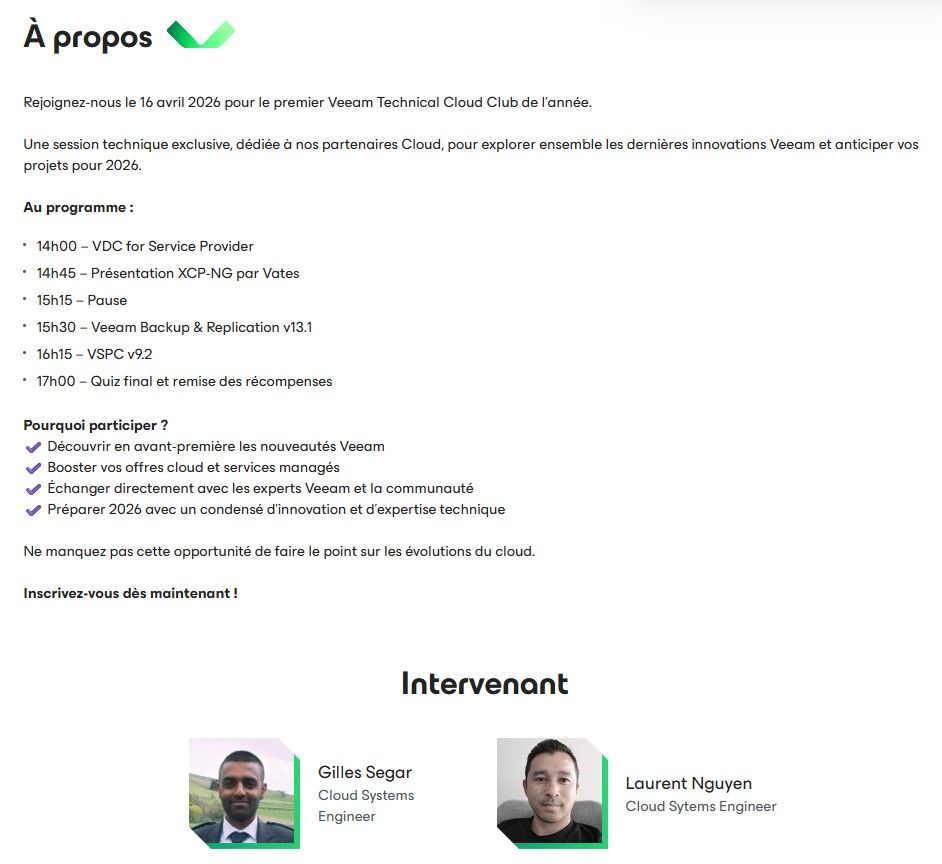
  • Veeam & XCP NG webinar incoming (FR speaking)

    2
    1
    2 Votes
    2 Posts
    119 Views
    dfrizonD
    Great News!!
  • Replication is leaving VDIs attached to Control Domain, again

    9
    0 Votes
    9 Posts
    416 Views
    A
    @florent I rebuilt my XCP hosting environment (everything is faster and bigger stuffed into one rack).... and this issue is now worse. The main changes to this new setup are 2x40Gb networking, faster NFS NVMe NAS, faster pool servers, more memory, much faster CR destination machine with ZFS. Running XCP 8.3 (March 2026 updates) and XO (master a2e33). Replication is leaving many attached to control domain every day with NBD connection set to 2. Changing it to 1 seems to resolve the issue (no more stuck to control domain).
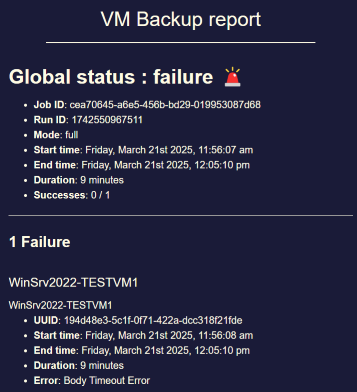
  • Potential bug with Windows VM backup: "Body Timeout Error"

    59
    3
    2 Votes
    59 Posts
    7k Views
    nikadeN
    @Pilow We tried that as well, same problem Also tried with a VM on the same newtork, just another VLAN, and we're seeing the same thing. At first we figured it was because one of the xcp-ng's was on a remote site which is connected through an IPSEC VPN, but that wasn't the case.
  • Best pratice : Add dedicated host for CR or DR.

    5
    0 Votes
    5 Posts
    122 Views
    P
    @Dezerd you just have to start-copy the Replica VM it permits the original job to keep replicating on the VM. there is no failover/failback mecanism AFAIK if you work on replica started VM, you will have to put up in place a replica going to original hosts