• XCP-NG upgrade 8.2 to 8.3

    XCP-ng
    3
    0 Votes
    3 Posts
    274 Views
    R
    To add a bit more detail on the upgrade path: strictly speaking, you do not need to apply outstanding 8.2 patches before upgrading. When you upgrade to 8.3, you are replacing the entire base system with the 8.3 release which already incorporates everything from the 8.2 patch stream. Any 8.2 patches you hadn't yet applied will simply be superseded. That said, applying them first is still a reasonable approach if you want a clean upgrade history and a fully-patched 8.2 baseline before jumping to 8.3. A few things worth checking before you start on a production pool: Check VM compatibility. Run a quick review of your VMs for any that might have specific OS or toolstack dependencies tied to 8.2. Most guests upgrade cleanly but it is worth knowing your environment. Use rolling pool upgrade if you have more than one host. XCP-ng supports rolling upgrades: you migrate VMs off each host, upgrade it, rejoin the pool, then proceed to the next. This maintains VM availability throughout the process. The XO interface handles this workflow if you have XOA. Back up before the jump. Export critical VM configurations or snapshots beforehand. If you use Xen Orchestra for backups, trigger a manual full backup job before starting. The upgrade itself via yum is straightforward: add the 8.3 repo, yum update, reboot. The toolstack and XAPI will handle pool registration after the host comes back up. After upgrading all hosts, run the post-upgrade checks from the docs (pool metadata sync, storage rescans) and verify HA is healthy if you use it.
  • Loss of connection during an action BUG

    Xen Orchestra
    18
    3
    0 Votes
    18 Posts
    707 Views
    P
    @User-cxs peut etre un clnflit IP ou la VM prenait l'IP du master... courage pour la suite !
  • HOST_NOT_ENOUGH_FREE_MEMORY

    Xen Orchestra
    6
    5
    0 Votes
    6 Posts
    362 Views
    U
    @Danp Okay thanks you
  • Every VM in a CR backup job creates an "Unhealthy VDI"

    Backup
    20
    1
    0 Votes
    20 Posts
    2k Views
    J
    This issue appears to have been resolved by a recent change.
  • fell back to full and cannot delete snapshot

    Backup
    1
    1
    0 Votes
    1 Posts
    62 Views
    No one has replied
  • Unable to copy template

    Management
    4
    0 Votes
    4 Posts
    235 Views
    Tristis OrisT
    While I was updating all the pools, a micro-update for 5 packages was released again. They come out every week now. Same issue with basic migration. Now it impossible.
  • Backing up from Replica triggers full backup

    Backup
    14
    6
    1 Votes
    14 Posts
    625 Views
    florentF
    @Pilow open a dedicated topic on this . I will ping the relevant team there is it iscsi + CBT ?
  • How to Setup IPMI in XO

    Management
    30
    0 Votes
    30 Posts
    3k Views
    A
    Come on everyone! Click Here to vote to support HP IPMI info in XO!
  • ACL V2, we need your feedbacks!

    Xen Orchestra
    1
    4 Votes
    1 Posts
    326 Views
    No one has replied
  • 0 Votes
    6 Posts
    355 Views
    kruessK
    Good moaning... The solution was pretty simple: a toolstack restart on the master (xcp83) did get all back on track and it now allows me to move the systems with a simple shutdown/start.
  • Cannot shutdown VM or migrate

    XCP-ng
    2
    0 Votes
    2 Posts
    138 Views
    C
    Not sure the issue, but rebooted the host and everything is fine again. I definitely had rebooted the host twice though after applying the patches and physically unplugged and moved the host.
  • 0 Votes
    5 Posts
    302 Views
    K
    @olivierlambert & @mathieura thanks for the speedy response. Duly noted, very much appreciated.
  • PRs for wording cleanup - worth doing?

    Development
    6
    0 Votes
    6 Posts
    220 Views
    olivierlambertO
    There's no small contributions, every one of them are great & welcome!
  • Rolling Pool Update and Affinity Host

    Management
    3
    0 Votes
    3 Posts
    185 Views
    olivierlambertO
    Yes indeed, that's expected. XAPI affinity is on VM boot, not in the VM life. Then, it's the work of the load balancer.
  • VMware to XCP-ng Migrate Only Specific Disks

    Migrate to XCP-ng
    6
    0 Votes
    6 Posts
    283 Views
    planedropP
    @MajorP93 This was also my thought, the disconnection method you mentioned, I was just wanting some feedback about that. I do have to be a bit careful because the migration must happen and then the VM on VMware must go back online while I work with the vendor to migrate all the rest of the data. As for the bigger than 2TB issue, that won't be an issue for me. This VM is HUGE but it's because it's thick provisioned and no longer needs to be, the new VM will have like 8 disks but none of them will be over 2TB (most will be less than 100GB). So I am thinking using V2V and just powering off the VM on VMware, disconnect the unneeded VDIs, then migrate, then reconnect those VDIs and power the VM back on.
  • 0 Votes
    13 Posts
    756 Views
    M
    I can confirm that when using Citrix/Xenserver guest utilities version 8.4 (https://github.com/xenserver/xe-guest-utilities/releases/tag/v8.4.0) memory ballooning / DMC is working fine. After live migration the RAM of the linux guest is expanded to dynamic_max again. So this issue was in fact caused by Rust based xen-guest-agent. For now I'll keep using Citrix/Xenserver guest utilities on my Linux guests until the feature is implemented in Vates rust-based guest utilities. Best regards
  • Backup Suddenly Failing

    Backup
    28
    0 Votes
    28 Posts
    1k Views
    tjkreidlT
    @JSylvia007 Sorry, I'm really late to this thread, but note that backups can become problematic if the SR is something like 90% or more full. There needs to be some buffer for storage as part of the process. The fact you could copy/clone VMs means your SR is working OK, but backups are a different situation. If need be, you can always migrate VMs to other storage which is evidently what you ended up doing, which frees up extra disk space. Also backups are pretty intensive so make sure you have both enough CPU capacity and memory to handle the load. Finally. a defective SR will definitely cause issues if there are I/O errors, so watch your /var/log/SMlog for any such entries.
  • Intel Flex GPU with SR-IOV for GPU accelarated VDIs

    Hardware
    52
    0 Votes
    52 Posts
    15k Views
    S
    @TeddyAstie I hadn't seen anything special was needed in a VM other that a kernel new enough for support which 6.17 has, is there more to the story with adding things to Ubuntu?
  • Double CR backup

    Management
    18
    1
    0 Votes
    18 Posts
    530 Views
    olivierlambertO
    Ping @Team-XO-Backend
  • Backup strategy

    Backup
    4
    0 Votes
    4 Posts
    174 Views
    P
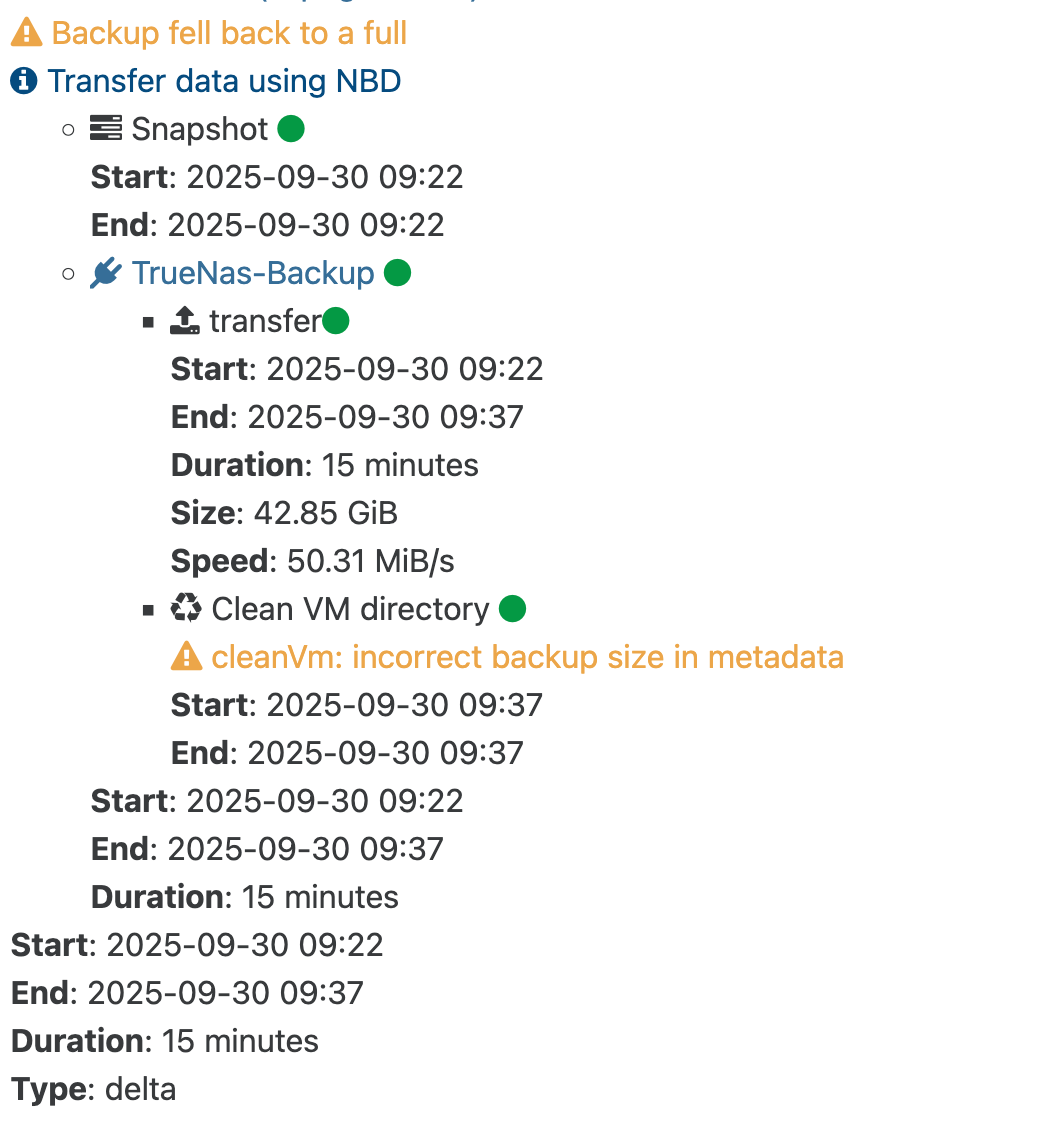
    And this is the result [image: 1774531386302-screenshot-2026-03-21-at-09-31-45-backup.png]