Subcategories

  • VMs, hosts, pools, networks and all other usual management tasks.

    499 Topics
    4k Posts
    I
    @tjkreidl everything looks normal. I also shared SOS report with @goulven I hope I'll get a feedback on slowness.
  • ACLs, Self-service, Cloud-init, Load balancing...

    107 Topics
    877 Posts
    Bastien NolletB
    Hello @ludalm13, Thanks for your contribution and sorry for not giving an answer earlier. We initially planned to review your PR while doing some additional work on the audit plugin, but our planning evolved and that work was postponed. We'll review your PR in the following days.
  • All XO backup features: full and incremental, replication, mirrors...

    550 Topics
    6k Posts
    Z
    Hi, I think I'm hitting the same issue, on the same versions (sm-3.2.12-25.2, blktap-3.55.5-12.3, XCP-ng 8.3, XOA stable fully updated). In my case it's incremental replication between two local EXT qcow2 SRs (source Xcpng-02, target Xcpng-03). It's consistent rather than intermittent, and only one VM's 425 GiB disk (~341 GiB used) is affected; 15 other VMs replicate incrementally fine. A fresh reseed doesn't help: the full succeeds, then the next incremental fails again. CBT on or off made no difference. My disks were never VHD. They were imported from VMware directly as qcow2. I traced the timing on the target host, in case it helps narrow it down: 18:58:00 qcow2-to-stdout.py <replica disk> --diff <replica snapshot> (tapdisk 2181814) 19:04:57 tap-ctl close -p 2181814 -m 4 -t 120 failed ... Connection timed out, status=110 -> SR_BACKEND_FAILURE_1200 on VBD.unplug_force (xo-server: BodyTimeoutError, "Couldn't disconnect ... from dom0", "can't compute delta ..., fall back to a full") 19:06:59 same tap-ctl close timeout on retry 19:08:14 qcow-tool failed, returning VDI_IO_ERROR ... BrokenPipeError: [Errno 32] Broken pipe The smaller disk of the same VM (~93 GiB used) completes the same diff in about 3 minutes. qemu-img map on these files takes under 2 seconds, so the time seems to be inside the diff itself. From a quick read of qcow2-to-stdout.py, --diff appears to read and compare all allocated clusters, so for a large disk it can run more than 5 minutes without sending anything. Here's what I think is happening, though I may be wrong: The diff runs for a long time without sending any data back to XO. After about 5 minutes of silence, xo-server gives up (BodyTimeoutError) and tries to unplug the disk. The unplug fails because the diff is still reading the disk through tapdisk, so tap-ctl close times out (SR_BACKEND_FAILURE_1200). If that's right, the 1200 error and the stuck VBD are side effects. The real problem would be how long the diff takes on a large disk.

  • Everything related to Xen Orchestra's REST API

    89 Topics
    656 Posts
    P
    Hi, This was fixed in Latest. But if you need to stay on Stable, you can open a ticket to have a patch.
  • Terraform, Packer or any tool to do IaC

    54 Topics
    509 Posts
    enkaskalE
    @poddingue no worries and thanks for reporting your findings
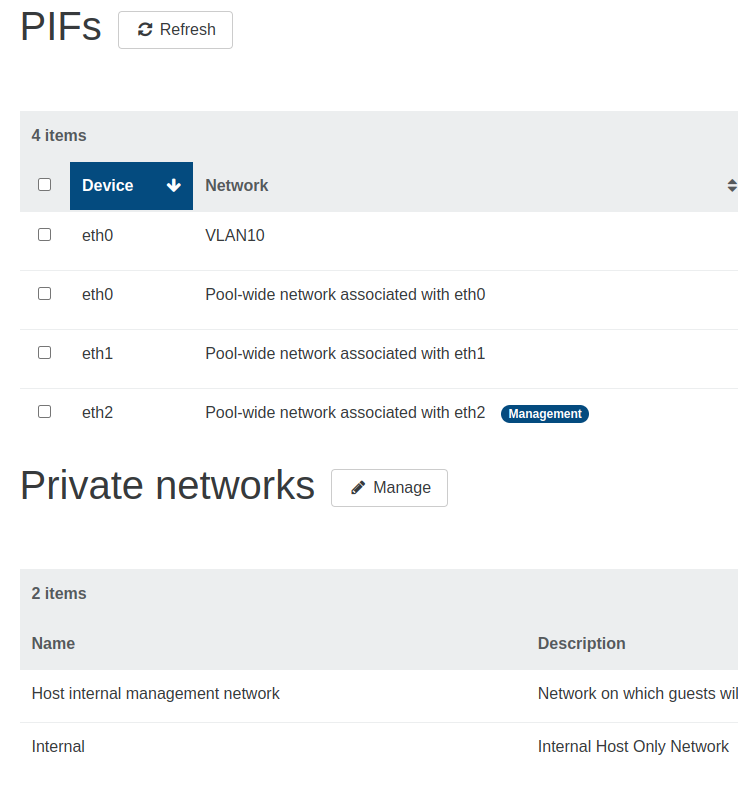
  • Option to Create Host only Private Network

    4
    1
    0 Votes
    4 Posts
    2k Views
    olivierlambertO
    Then it's a bug Pinging @pdonias or @julien-f
  • Import from vmware esxi 6.0 or 6.5

    13
    0 Votes
    13 Posts
    4k Views
    M
    @florent Tunnel ID sent via chat. Thank you for your help.
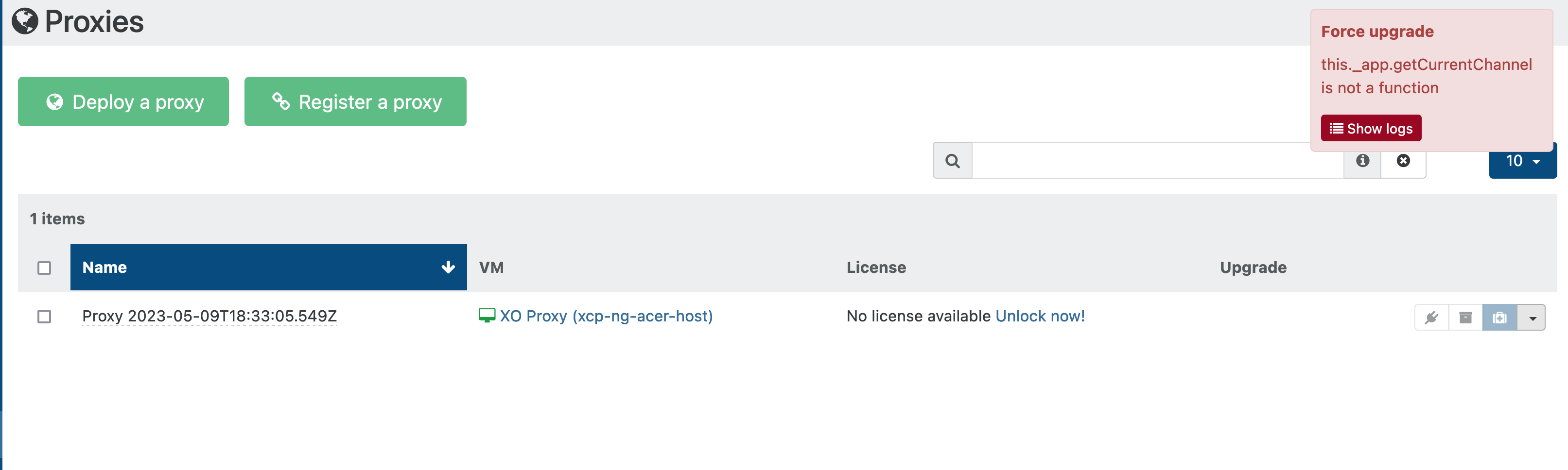
  • XOA Proxy Error when updating

    5
    1
    0 Votes
    5 Posts
    2k Views
    bullerwinsB
    @julien-f said in XOA Proxy Error when updating: @bullerwins XO Proxy Appliance deployment is not supported in XO built from sources. my bad, it used to work a few months back I believe @olivierlambert said in XOA Proxy Error when updating: I missed that in the original message, indeed FYI @bullerwins there's no such thing as XOA built from sources, you have either: XOA is Xen Orchestra virtual Appliance, that's the VM we distribute with pro support and QA/stable channel, updater and such XO from the sources is from Github, without pro support but community support, no QA no stable version, no udpater and such Thanks, I got confused with the naming, I'm using the second option. As a workaround I used a VPN to manage the remote XCP-ng host, thanks!
  • Kubernetes cluster recipes not seeing nodes

    43
    0 Votes
    43 Posts
    37k Views
    F
    @Raymondello you right, the issue is from the storage and I am looking into that. Thank you for sharing the UAT Testing, I didn't know about it
  • Fail2Ban for failed Xo-Web-Logins

    Solved
    16
    0 Votes
    16 Posts
    4k Views
    konsultanerK
    Found the issue. I used the service from the repo like this: But I had to replace @BINDIR@ to /usr/bin. [Unit] Description=Fail2Ban Service Documentation=man:fail2ban(1) After=network.target iptables.service firewalld.service ip6tables.service ipset.service nftables.service PartOf=iptables.service firewalld.service ip6tables.service ipset.service nftables.service [Service] Type=simple Environment="PYTHONNOUSERSITE=1" ExecStartPre=/bin/mkdir -p /run/fail2ban ExecStart=/usr/bin/fail2ban-server -xf start # if should be logged in systemd journal, use following line or set logtarget to sysout in fail2ban.local # ExecStart=/usr/bin/fail2ban-server -xf --logtarget=sysout start ExecStop=/usr/bin/fail2ban-client stop ExecReload=/usr/bin/fail2ban-client reload PIDFile=/run/fail2ban/fail2ban.pid Restart=on-failure RestartPreventExitStatus=0 255 [Install] WantedBy=multi-user.target
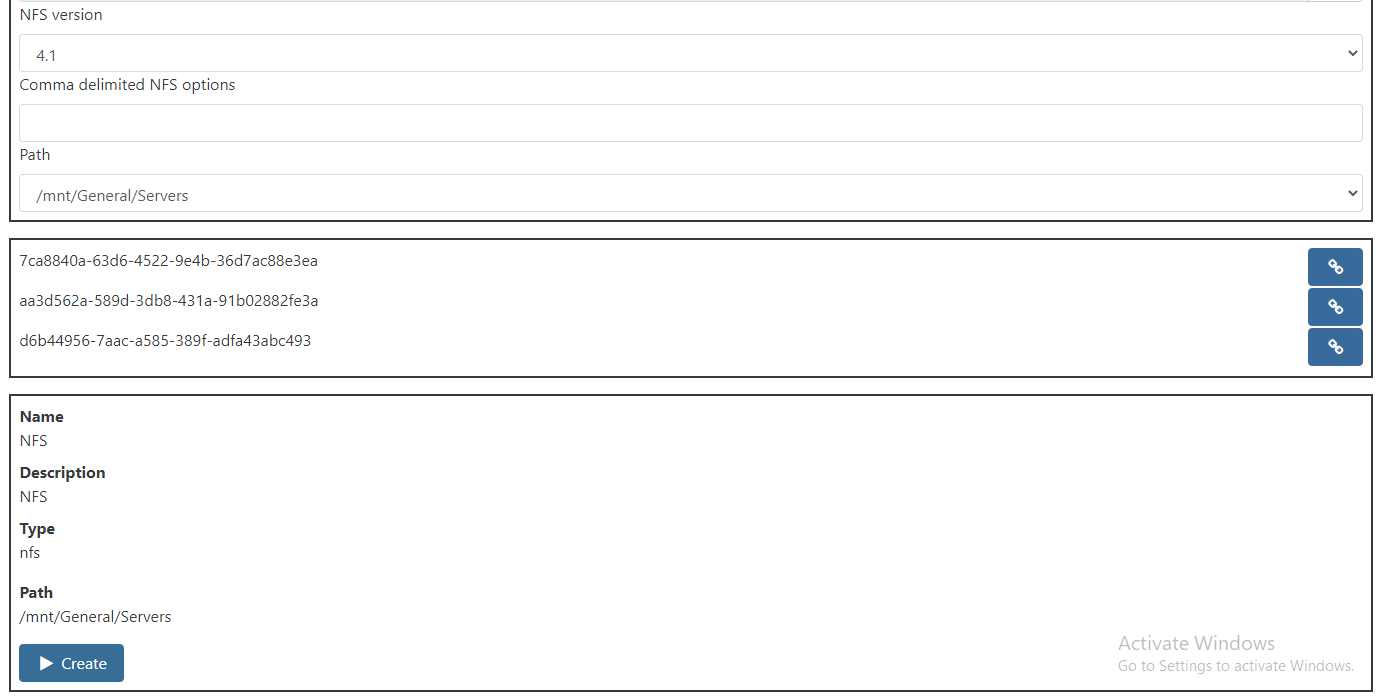
  • Unable to create NFS SR with truenas after rebuilding truenas

    Solved
    5
    1
    0 Votes
    5 Posts
    2k Views
    E
    @iLix That worked! I guess i forgot to enable NFSv4 after rebuilding it.
  • Samba Timeout - How to configure timeout limit / possible issues ?

    4
    0 Votes
    4 Posts
    5k Views
    olivierlambertO
    I can't follow what's done in 3rd party scripts, and it might be not trivial to find problems with them (if it's a problem due to the script or not). But before pointing any finger (I don't like that ) I would prefer to check with a fully up to date XOA on latest release channel and see if you have the same issue. At least, we'll be able to compare the behavior
  • 0 Votes
    2 Posts
    486 Views
    olivierlambertO
    Hi, I'm not aware of such feature on our side, you should ask AWS on how to import a XenServer/XCP-ng VM into EC2.
  • Non Fatal Error Starting XOA

    8
    0 Votes
    8 Posts
    2k Views
    olivierlambertO
    Quick note: XOA is for our Xen Orchestra virtual Appliance. You are using XO from the sources So it's just "XO". Anyway, indeed, it seems that your forever service isn't able to kill the process therefore, keep it.
  • Question On Cloud-init and ConfigDrive

    1
    0 Votes
    1 Posts
    1k Views
    No one has replied
  • Missing VMs from Restore

    5
    1
    0 Votes
    5 Posts
    1k Views
    yarozY
    @olivierlambert said in Missing VMs from Restore: Try to see after a new backup with this version We'll see then. Thank you. I'll check it after tonight's run.
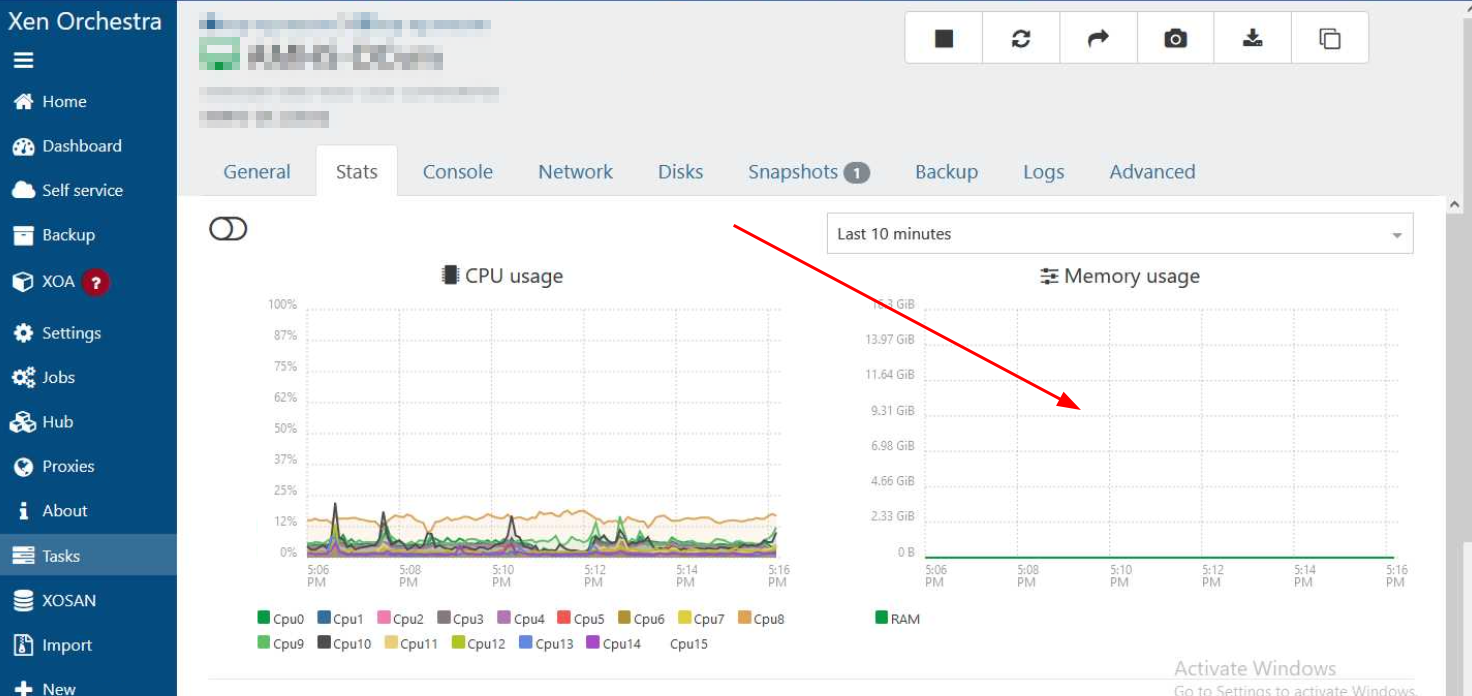
  • Memory usage is not showing up in XOA

    Solved
    12
    1
    0 Votes
    12 Posts
    3k Views
    S
    @olivierlambert That did the trick. Wanted to make sure to say thanks for your help. Thanks again! Hope you have a great day!
  • XO rebooted, remotes lost, unable to add back

    16
    0 Votes
    16 Posts
    4k Views
    olivierlambertO
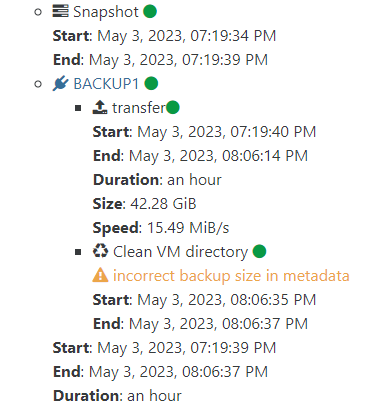
    So what you need is more something like backup tiering (or secondary backup). This feature is currently a work in progress by @florent
  • Continuous Replication backup (Missing Job)

    2
    0 Votes
    2 Posts
    565 Views
    olivierlambertO
    It means one VM got a backup job that's not in your current XO. Are you sure you restored your previous XO config?
  • Smart reboot. Is that going to be implemented?

    5
    0 Votes
    5 Posts
    2k Views
    J
    @olivierlambert ok. For info: xo-server 5.113.0 / xo-web 5.116.1 Installed this version XO yesterday and tried a smart reboot with 14 vm's running. Windows and linux vm's. Of which some linux vm's have NFS shares which I use for ISO files and making backups with XO. These I normally have to disconnect before I can do a reboot of the host otherwise it will not reboot and had expected that this would not be necessary now. It took a very long time for all vm's to enter suspend mode (>2 hours) and the server did not reboot. Probably ran into not shutting down the NFS shares. I finish much faster if I manually shut down all vm's (and disconnect the NFS shares) reboot the host and restart the vm's. But maybe I am overlooking something then I would like to hear about it.
  • How to fix XOSTOR

    11
    0 Votes
    11 Posts
    4k Views
    F
    @brodiecyber I can see it exist in /opt/xensource/bin/linstor-kv-tool but no idea on how to use it
  • Can't import ISO through OVA--not a supported filetype?

    4
    0 Votes
    4 Posts
    1k Views
    MathieuRAM
    @miker Hi Thank you for your feedback. We will explore ways to enhance the current UI.
  • Xen Orchestra Update Failed - Error: ENOSPC: no space left on device

    9
    0 Votes
    9 Posts
    4k Views
    DanpD
    You may need to extend the partition first using growpart.
  • 0 Votes
    7 Posts
    2k Views
    olivierlambertO
    Okay so you are right: we did not test this scenario, so that's why the error is cryptic. I'm adding @Enishowk in the loop so he can put that in our backlog
  • Why do I see this message?

    4
    0 Votes
    4 Posts
    2k Views
    planedropP
    If I'm being honest here I don't really find the messages as annoying as you are making them out to be. Sure if I had a choice I would want them gone, but it's really not a big deal, 1-2 clicks and they are gone until the next time I login. I also kinda like the reminder on the sidebar about no support, helps me remember that A. I'm in my lab environment and B. I'm using a from the sources version so I need to manually do updates etc.....