Subcategories

  • VMs, hosts, pools, networks and all other usual management tasks.

    491 Topics
    4k Posts
    ForzaF
    @poddingue I'm using XOA 6.2.2. Unfortunately not able to update at the moment. Which reminds me of another thing. Where is there release information for the XOA XVA itself? When I login to my account, there is only the download button but no information on what version it is. [image: image.jpeg] I would like to know when a new version is published and a changelog for it. When I import the current XVA it is tagged with 2025.12 [image: image.jpeg]
  • ACLs, Self-service, Cloud-init, Load balancing...

    106 Topics
    870 Posts
    D
    I ran into the same problem with DR replicas. Ignoring VMs by tag would solve the problem, but so would excluding the ip address information.
  • All XO backup features: full and incremental, replication, mirrors...

    538 Topics
    6k Posts
    acebmxerA
    Latest commit fixed the synchronized snapshots showing up as a vm... Commit 8c2f3 [image: Screenshot_20261005_060854.png]
  • Everything related to Xen Orchestra's REST API

    88 Topics
    654 Posts
    poddingueP
    Pretty cool, @samuelolavo, thanks for clarifying!
  • Terraform, Packer or any tool to do IaC

    53 Topics
    492 Posts
    bvitnikB
    @bug-meister Ah. That's cloud-init's support for templating user-data. The issue is that with these templates you only have access to the info available inside the VM itself. No outside data can be used for templating unless it is somehow passed to the VM (inject a file, set xenstore values...)
  • XCP-NG/XOA install

    2
    0 Votes
    2 Posts
    990 Views
    DanpD
    You will need to download the desired ISO and use it to install the base OS. Then follow the official docs or use one of the available installation scripts. AFAIK, you should be fine with Fedora.
  • Unable to create private network

    6
    1
    0 Votes
    6 Posts
    1k Views
    Otter-7O
    The issue was resolved after installing XO from the source on another Debian 11 VM.
  • 1 Votes
    8 Posts
    2k Views
    julien-fJ
    @olivierlambert Yes, each job has a unique identifier and willl not touch backup files of other jobs.
  • Tutorial on importing VHD?

    6
    0 Votes
    6 Posts
    8k Views
    GheppyG
    What operating system do you have? Does it run on the same type of real server? If not. If VM it is Windows, you must reset (sysprep) or insert the hdd drivers. Acronis is a solution for that, or Dism++ and ImDisk to insert dirvers on vhd. If VM it's Linux, you don't have the correct disk name or partition ID, the boot partition must be redone. Reinstall kernel, in chroot with live CD, to solve the problem. For an easier process, I recommend Hyper-V -> VirtualBox -> XCP-ng. With VirtualBox you will have fewer problems when restoring the boot. And VirtualBox is much more compatible with XCP-ng.

  • XO can't connect to XCP-NG host and Issue with Secure Boot

    11
    0 Votes
    11 Posts
    2k Views
    D
    @olivierlambert said in XO can't connect to XCP-NG host and Issue with Secure Boot: xe vm-param-set uuid=<UUID> platform:secureboot=false Thank you! This did the trick! Our Windows Server 2019 is now up and running.
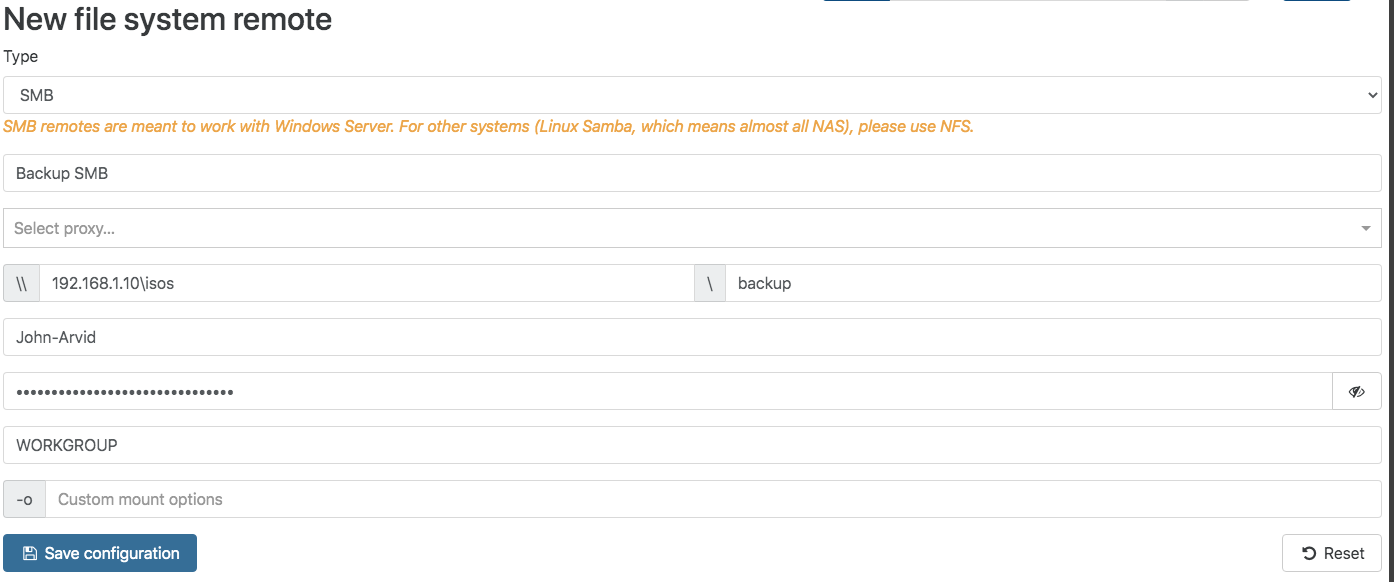
  • Delta backup fails on SMB remote

    Unsolved
    25
    1
    0 Votes
    25 Posts
    14k Views
    DarkbeldinD
    @vbits said in Delta backup fails on SMB remote: NexentaStor SC216 Yes that was the question If you have better speed with SMB stay with it NFS should be better in theory but sometime you have to go with real world reality.
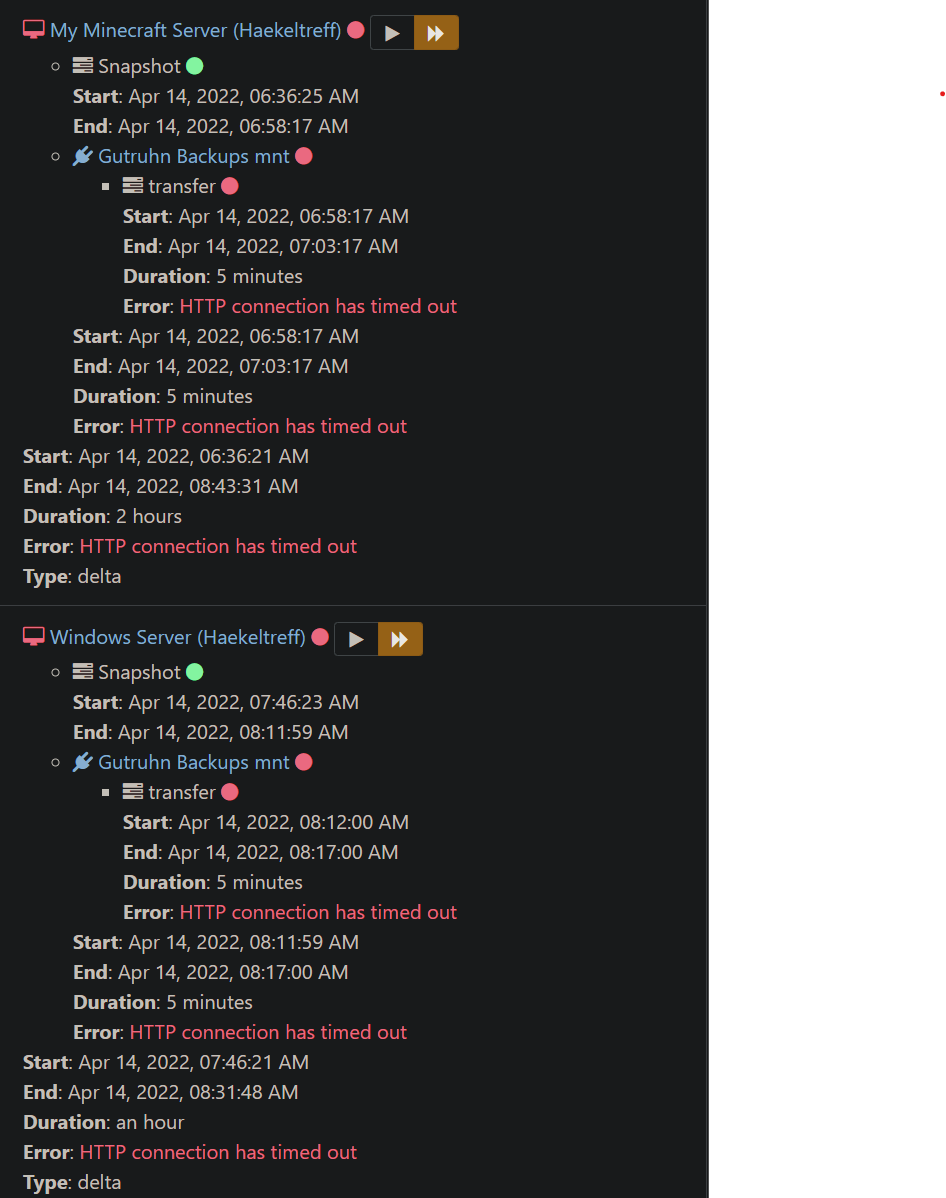
  • Keep getting "HTTP connection has timed out" on my Delta Backup

    Solved
    18
    1
    0 Votes
    18 Posts
    7k Views
    V
    @olivierlambert Yes, it seems so. The switches are of different brands between RACs and since a year ago the datacenter was divided in 2 companies and we are not sure how they have organized the networks. Then I had another error but with "rescan all disks" on the host it was solved.
  • Full backup interval with current step

    2
    2
    2 Votes
    2 Posts
    812 Views
    DarkbeldinD
    @Gheppy I will ask @marcungeschikts to take a look at this and talk to dev team about it
  • Metadata backup missing email address field

    2
    0 Votes
    2 Posts
    524 Views
    DarkbeldinD
    @Andrew Hi Andrew, Metadata backup use the report plugin settings to send mail so you can define the email address there.
  • How to move XOA to another PIF?

    3
    0 Votes
    3 Posts
    1k Views
    G
    You should be able to go to the network tab for the VM, click the network it's currently connected to, and then change it to the new one. If you have the management tools installed this can be done live, otherwise you'd need to shut the VM down. [image: 9fd8274e-8c52-4d2c-83b1-ff14c43e0416-image.png] [image: 4278a01c-eee3-49ed-a60c-95a8729312fd-image.png]
  • Create a template with resizable disk?

    2
    1
    1 Votes
    2 Posts
    474 Views
    olivierlambertO
    You can only if you select Cloud init.
  • Is the xoa bash install script on the xcp console broken?

    Solved
    11
    0 Votes
    11 Posts
    4k Views
    olivierlambertO
    Answered on Github.
  • Network & SR Dropdowns Empty When Attempting to Create New VM

    Solved
    5
    0 Votes
    5 Posts
    2k Views
    K
    @olivierlambert OH nice! That will be awesome, I can't wait to try it.
  • XO Hosed on new update

    Solved
    8
    0 Votes
    8 Posts
    2k Views
    A
    @julien-f Much better! I can add servers/remotes/jobs again. Thanks!
  • Error Backup operation timed out

    8
    0 Votes
    8 Posts
    638 Views
    olivierlambertO
    Remove the timeout field and try again please.
  • 0 Votes
    8 Posts
    2k Views
    OhSoNoobO
    @Danp Yes, that was it! Last update I thougt to find a solution to a different problem bij installing nodejs 17. Removing version 17, and manually updating to the correct version did fix the issue. Thank you!
  • Warning during backup. What does it mean?

    9
    2
    0 Votes
    9 Posts
    2k Views
    florentF
    @Danp the first backup after the fix will show the warning ( since it controls the data of the previous backup) the following backups should be ok
  • SyntaxError: Cannot use import statement outside a module

    Solved
    14
    0 Votes
    14 Posts
    6k Views
    ronaldgevernR
    This error can happen in different cases depending on whether you're working with JavaScript on the server-side with Node.js , or client-side in the browser. There are several reasons behind "Cannot use import statement outside a module" error, and the solution depends on how you call the module or script tag. Add type="module" inside the script tag When working with ECMAScript modules and JavaScript module import statements in the browser, you'll need to explicitly tell the browser that a script is module. To do this, you have to add type="module" onto any ‹script› tags that point to a JavaScript module. Once you do this you can import that module without issues. <script type="module" src="./index.js"></script> If you are working on Node.js or react applications and using import statements instead of require to load the modules, then ensure your package.json has a property "type": "module" as shown below. { // ... "type": "module", // ... }
  • Delta Backup Showing Success No Delta Saved

    24
    0 Votes
    24 Posts
    11k Views
    lawrencesystemsL
    @florent Yes, I have the cifs-utils installed.
  • NFS problem

    5
    0 Votes
    5 Posts
    754 Views
    julien-fJ
    @infraestrutura Just display, it does not impact anything else.