v0.8.0–v0.9.1 — multi-user accounts, self-update, built-in HTTPS, and date ranges. Three releases since the last update, so bundling them here.
Date ranges. Collections, extractions, findings runs and the support package can now be scoped to a window instead of always covering the whole bundle — last 24h/7d/30d, since last reboot, or a custom range. XO's own routes still have no date filter, so the first download is unchanged size — the range only narrows what gets kept and reported afterwards.
Redact on demand. A collection no longer has to redact immediately with whatever rules happen to be on at that moment. There's now a checkbox to store the raw bundle only, and a "Redact now" button on the card afterwards using whichever rules are switched on when you press it.
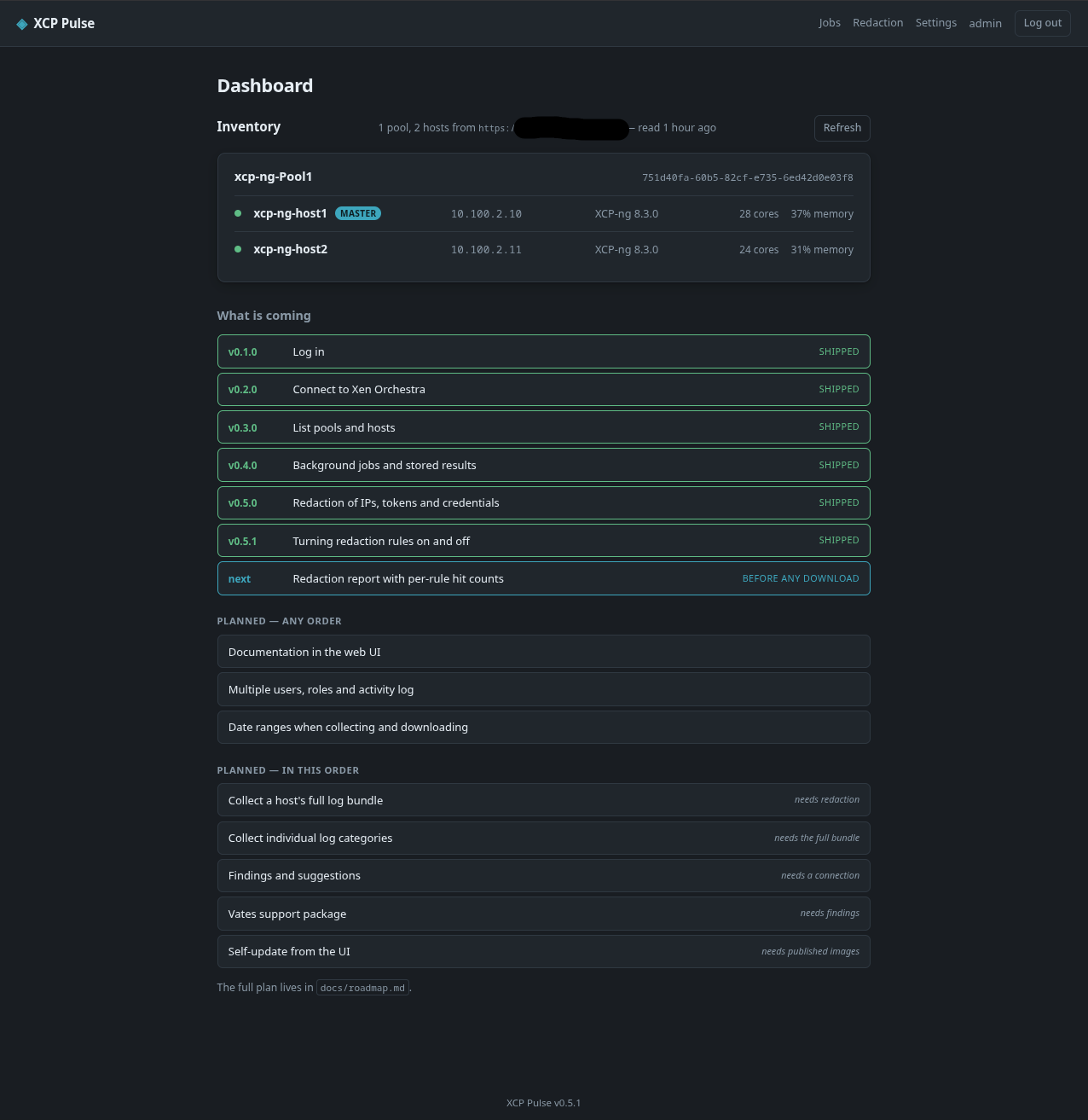
Multiple user accounts, roles, and an activity log. This was on the "what is coming" list in the first post and it's in now. Any number of accounts, three roles — admin, operator, viewer (read-only, but can still download what's already stored) — and an Activity page logging logins, settings changes, and job runs.
Optional 2FA. Per-user TOTP, off by default, each account turns it on for itself. QR code setup, backup codes.
Self-update from the UI, opt-in and off by default. Checking needs nothing extra; applying an update needs the Docker socket mounted in explicitly, since that's effectively host root, so it's a separate deliberate step — uncomment the socket mount and group_add block in docker-compose.yml, and it needs its own .env file (just DOCKER_GID=..., next to docker-compose.yml, not the same file as xcp-pulse.env) or docker compose up -d fails with unable to find group. .env.example has the one-liner to generate it.
Built-in HTTPS, no reverse proxy required. Bundles nginx into the image to terminate TLS — self-signed cert on first start, or upload your own from Settings. A reverse proxy still works fine too.
A user manual in the app itself, under /help — no need to leave XCP Pulse or check out the repo to read how something works.
Fixed
The account-requirements note from the first two posts was wrong in a way I only found by testing it properly: export:logs — the privilege log downloads actually need — isn't in any built-in XO role, but it can be granted through a custom role. "Test connection" was reading a catalogue that can't tell you that, and told every restricted account it needed full admin regardless. It now actually probes the download endpoint, and the docs walk through creating the custom role via three REST API calls (no UI for it yet on either XO version).
A real concurrency bug: the shared SQLite connection wasn't locked across fetches, only execute, so two requests landing close together could crash a page reading jobs — reproduced it under the test suite's own concurrency test.
Base-OS CVEs patched in the image build (perl-base, libc6, others); CI now runs a Trivy scan on every push.
Still not fixed: the truncated-download-behind-a-reverse-proxy issue from the last post. Haven't found the actual cause yet. Also looking for anyone who can test against a remote proxy in a lab setup. Also open to any other suggestions, features, improvements, UI changes, etc...
If any chance someone on Vates would test on their own time. Things like the support bundle and or the logs themselves are not being manipulated in any unwanted ways (for Vates or the project)
https://github.com/acebmxer/xcp_pulse