@olivierlambert Thank you for your response.
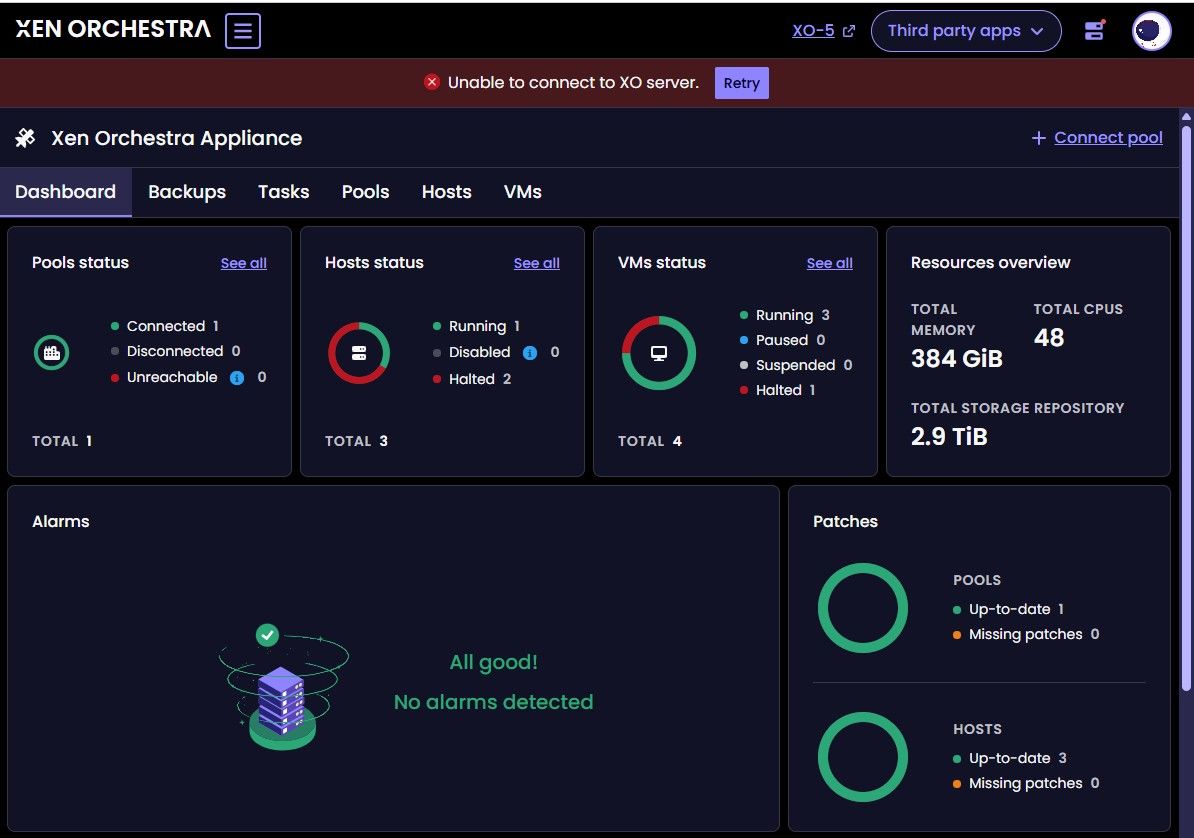
I have followed most of the documentation on setting up HA, and made sure that I have 3 hosts. All are Dell 7090 64GB RAM with 2 dedicated HA NICS. XCP-ng 8.3 is patched, XO is up to date, Xen tools 9.4.0 on all Windows VMs, and using the Xen tools ISO that can be mounted.
eth0 1Gbs management network
eth1 10Gbs iSCSI network DAC
eth2 10Gbs VLAN Trunk, including backup network
eth3 1Gbs HA
eth4 1Gbs HA
Overall, XCP-ng and XO are doing an excellent job. I feel like I am on an Easter egg hunt when pouring through documentation, but that is mostly my problem, because I see that you have put a lot of effort into organizing and updating it.
My "use case" is replacing the VMware ESXi/vSphere 2-node cluster with XCP-ng and XO at the small high school (non-profit) where I volunteer as the IT guy. I feel that I am at the point where I trust XCP-ng and XO enough to make the switch during the summer break.
Sorry to run on. The yellow triangles behind the non-master hostnames are just a small nuisance. I do notice that the hosts are hard to shutdown. Sending a shutdown command from either XO or from the host console causes a host to reboot, but not shutdown, even after having previously entered maintenance mode. I feel that this is not a big issue, just another small nuisance. The XO cluster is maintaining the integrity of the guest VMs.
I will be reading all of the documentation I can, and upgrading to 8.4 when it is available. Thank you for supporting your awesome hypervisor.