@Danp I was going to do the upgrade over the December / January Christmas break in Australia but that is when this issue became apparent so we didn't want to be making major changes until it was resolved.
I note @anthoineb noted the first report was late August / September 2025 which was just before 8.2.1 reached EOL, so it would be a shame not to have a fix for it tested on 8.2.1 as it seems an upgrade to 8.3 would be unwise while we still have this issue?
@Rod-G
These have 9.4.2-xxxx and I need to go through and update everything now that I see how far behind I am.
the second VM completed fine after its reboot, something was just stuck in a dirty state and got in the way of the import or health check.
Kubernetes CSI Driver for XO new release v0.3.0
Stable CSI Volume Identity: This decouples Kubernetes volume identity from backend storage lifecycle events (e.g. VDI migration between Storage Repositories)
Topology-Aware Volume Provisioning: Dynamic provisioning now supports topology-aware pool selection.
️ Migration required from v0.2.0 to v0.3.0
Full release note: https://github.com/vatesfr/xenorchestra-csi-driver/releases/tag/v0.3.0
Okay so you are right: we did not test this scenario, so that's why the error is cryptic. I'm adding @Enishowk in the loop so he can put that in our backlog
If I'm being honest here I don't really find the messages as annoying as you are making them out to be. Sure if I had a choice I would want them gone, but it's really not a big deal, 1-2 clicks and they are gone until the next time I login. I also kinda like the reminder on the sidebar about no support, helps me remember that A. I'm in my lab environment and B. I'm using a from the sources version so I need to manually do updates etc.....
OK I got it. I didn't think that the host was using apparmor, but it actually does.
So it must be started using --cap-add sys_admin --security-opt apparmor:unconfined
Now it works.
Ok. You threw me a curve ball when you mentioned the "[XO Backup blah blah]" stuff. I think you are referring to the snapshots. If so, then yes they get transferred over when you migrate the VMs.
@Darkbeldin Mh, in the SMlog it is ls /tmp/nfs -1 --color=never. Thats the number one but should that be the letter l? With the number one, lsreturns.
[17:31 h01 ~]# ls /tmp/nfs -1 --color=never
test
textfile
Assuming I have the setting in the correct place, I'm not seeing any significant difference whether the setting is there or not.
without setting
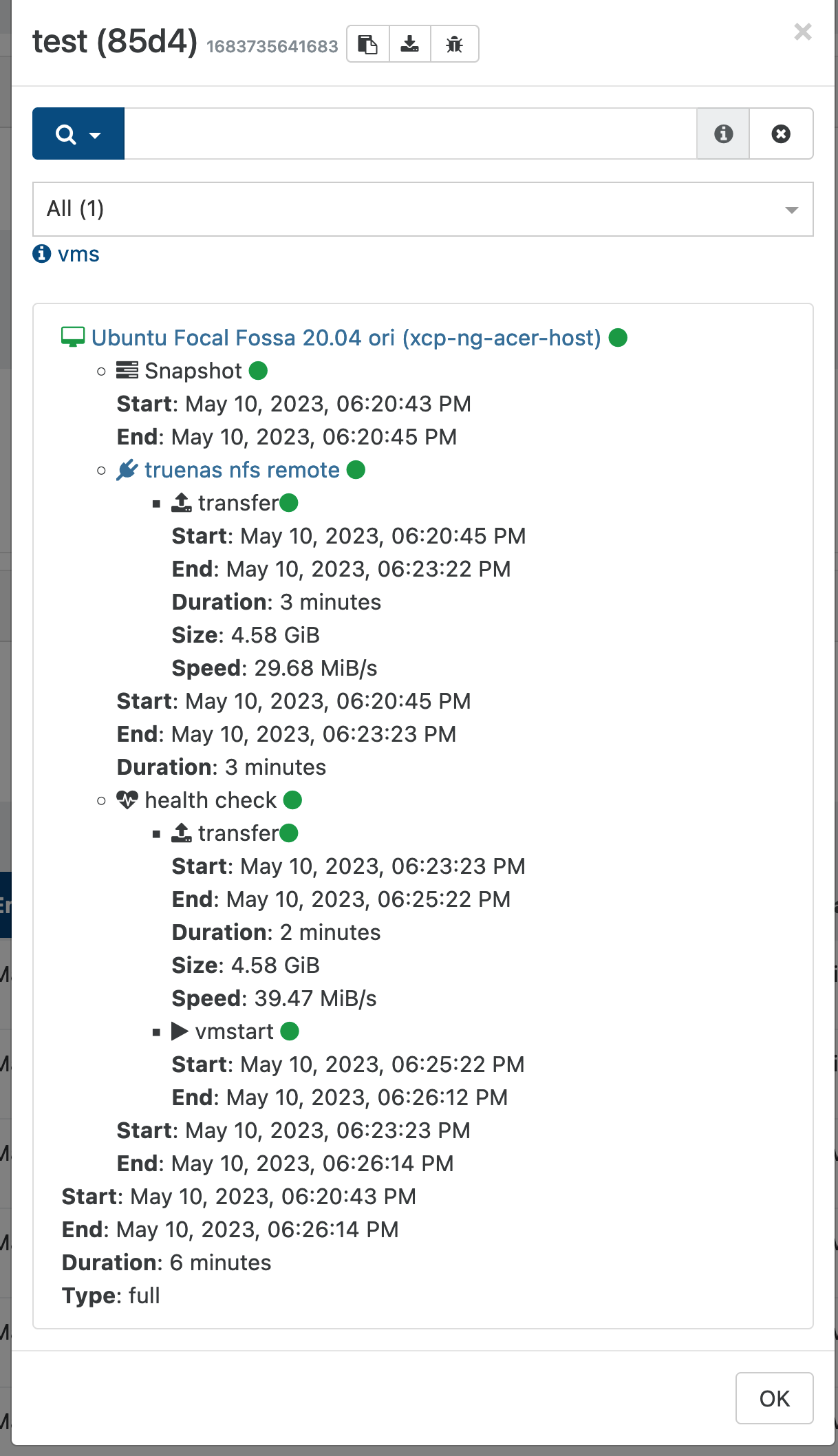
Duration: 10 minutes
Size: 41.71 GiB
Speed: 72.5 MiB/s
with setting
Duration: 10 minutes
Size: 41.71 GiB
Speed: 72.87 MiB/s
CPU usage appears to be about the same.
@abelaguilar indeed you do not have to fill out the dns and gateway fields - in fact as you surmised you shouldn't. Where you getting an error or something when leaving them blank? The only mandatory fields are IP and netmask.
So it looks like the warm migration of the first VM I tried migrating works, but after trying to migrate another VM, I'm getting a new error message: "Warm migration: task has already ended"
Is there any particular process that I'm missing to mark the first VM as successfully migrated?
**edit: Maybe I'm just impatient because after waiting another couple of minutes it looks like it's migrating OK.. LOL
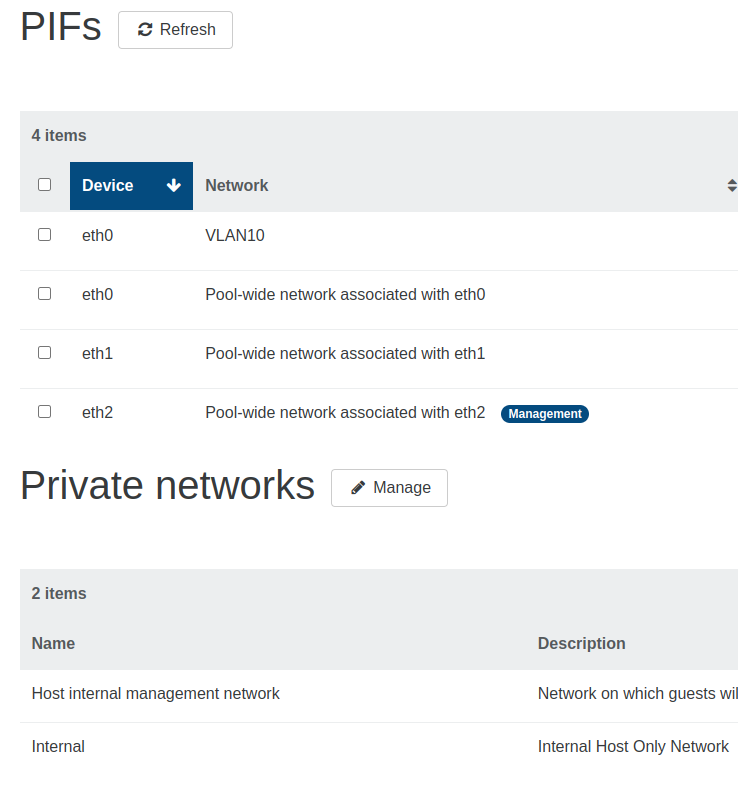
You can try to "attach" broken VIF to some network and then delete it.
Try to use this command
xe vif-move
If that doesn't work, you can shut down the XO VM, detach the disk, deploy a new VM without a disk, attach the XO disk to the new VM.